
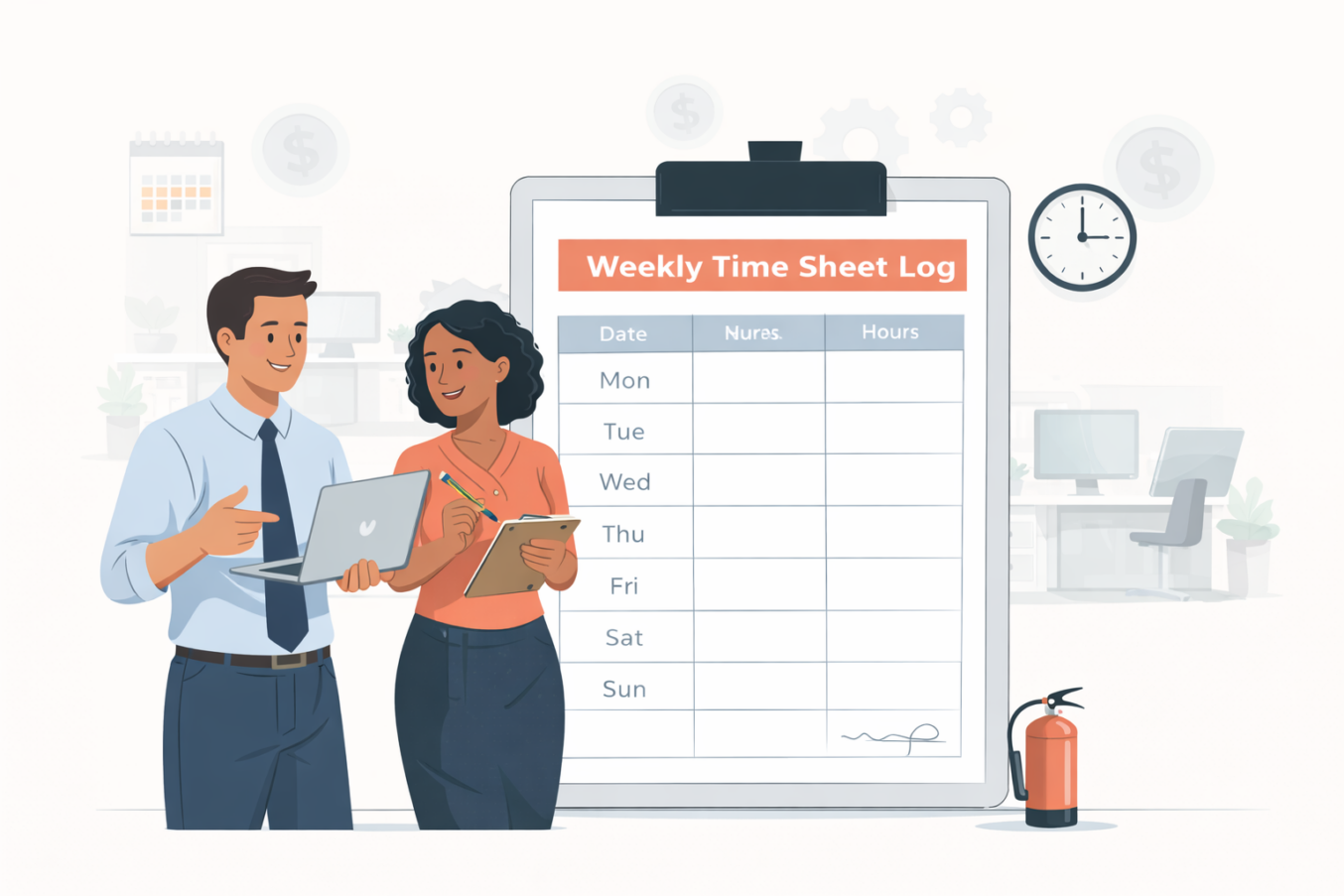

Paper timesheets remain one of the most reliable backup systems for digital payroll. They provide a physical signature trail and are essential for job sites or offices without digital time clocks.
We have created a bundle of 5 Free Weekly Time Sheet Log Templates in PDF format. These are printable forms designed to be kept in a binder or on a clipboard for easy access.
Here is a look at the 5 templates included in the file.
1. The Break Deduction Log
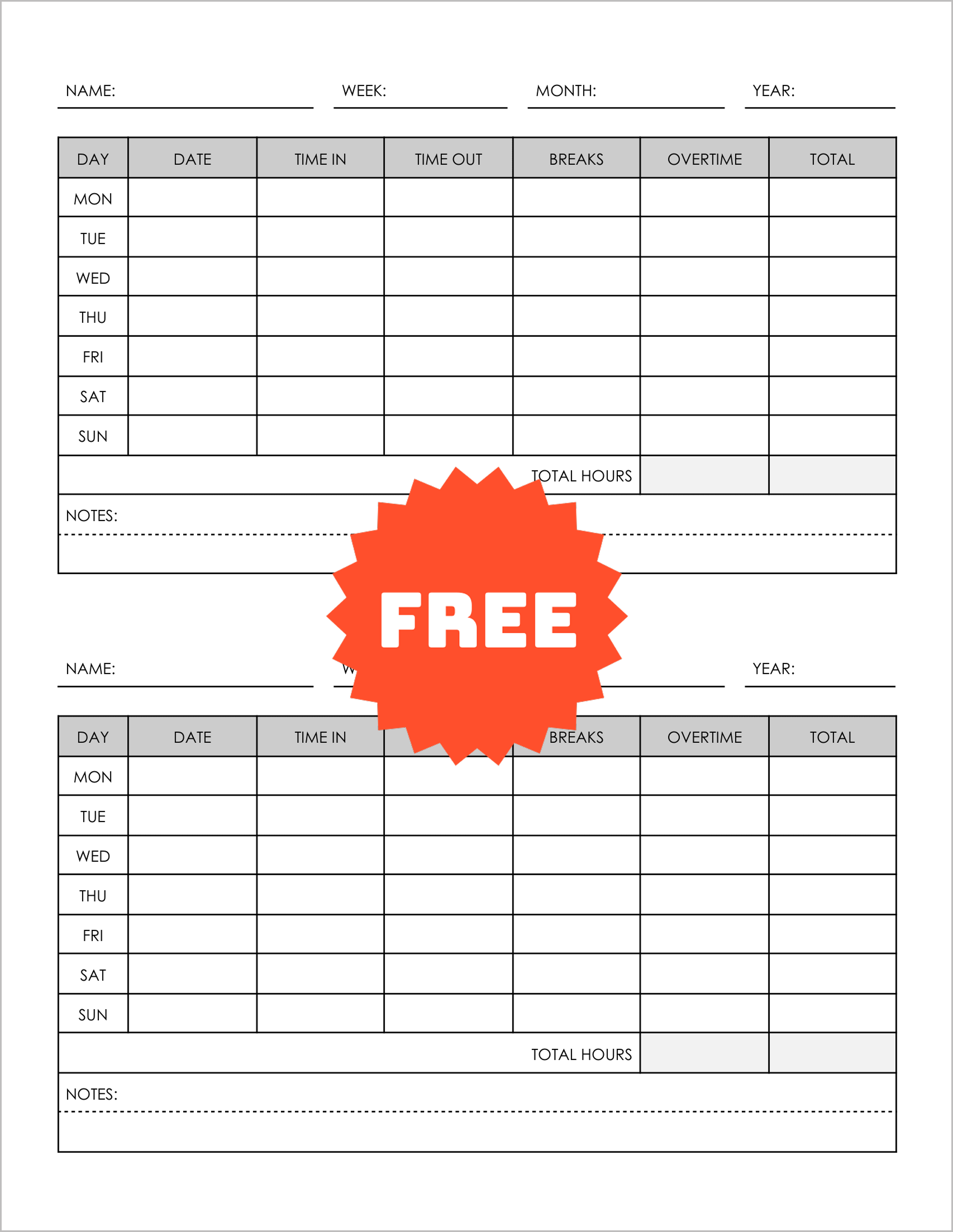
This template is perfect for standard 9-to-5 jobs. It lists the days Mon-Sun as rows. The key feature is the “Breaks” column, which sits right between “Time Out” and “Overtime.”
This reminds employees to record their unpaid break time, ensuring accurate net hours calculation. It prints two forms per page.
2. The Split-Shift Register
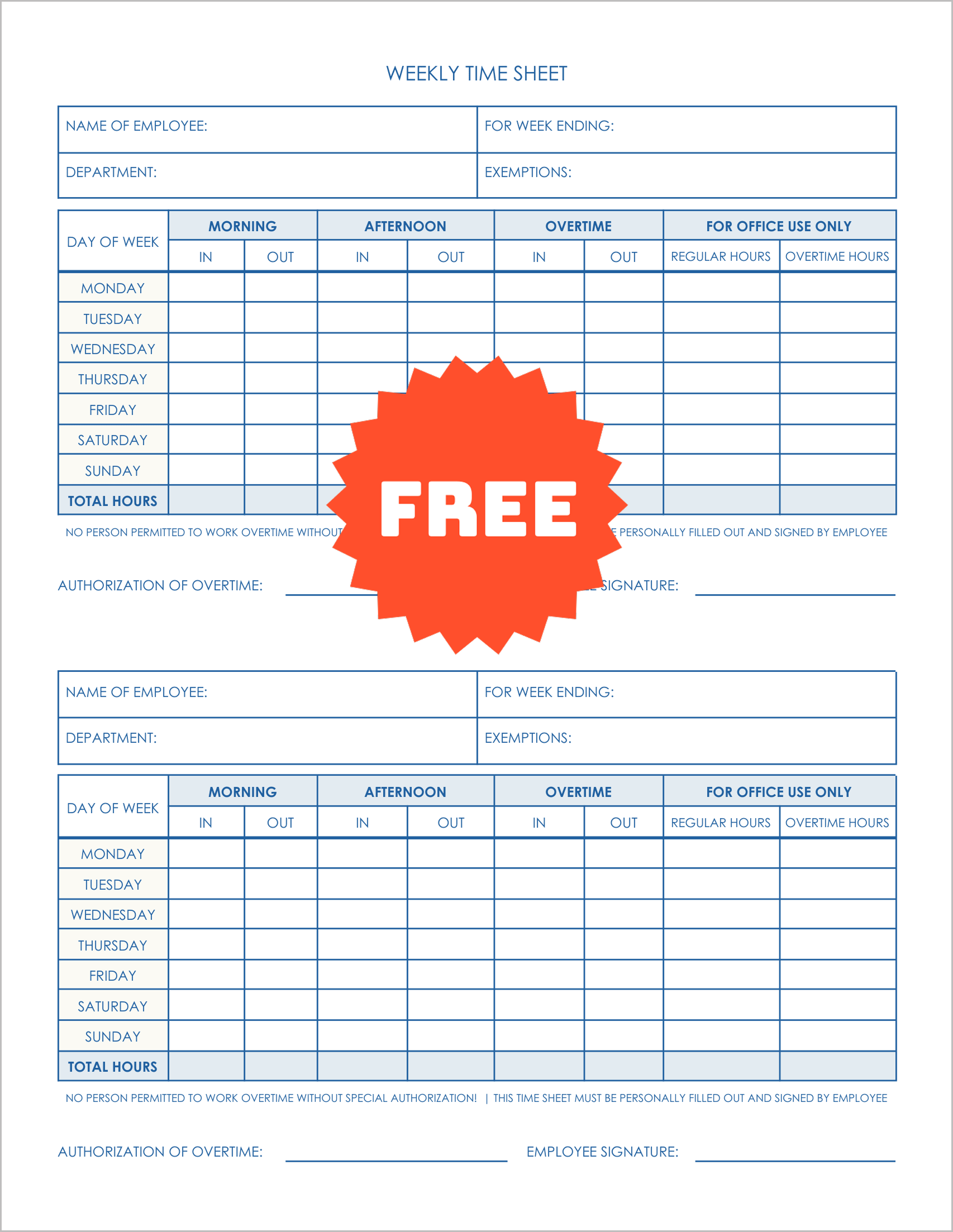
This log handles broken schedules. Instead of one “In” and “Out,” it offers “Morning In/Out” and “Afternoon In/Out”.
This forces the employee to document exactly when they left for lunch and when they returned. It also includes a “For Office Use Only” section for HR to verify the totals.
3. The Simple Contractor Log
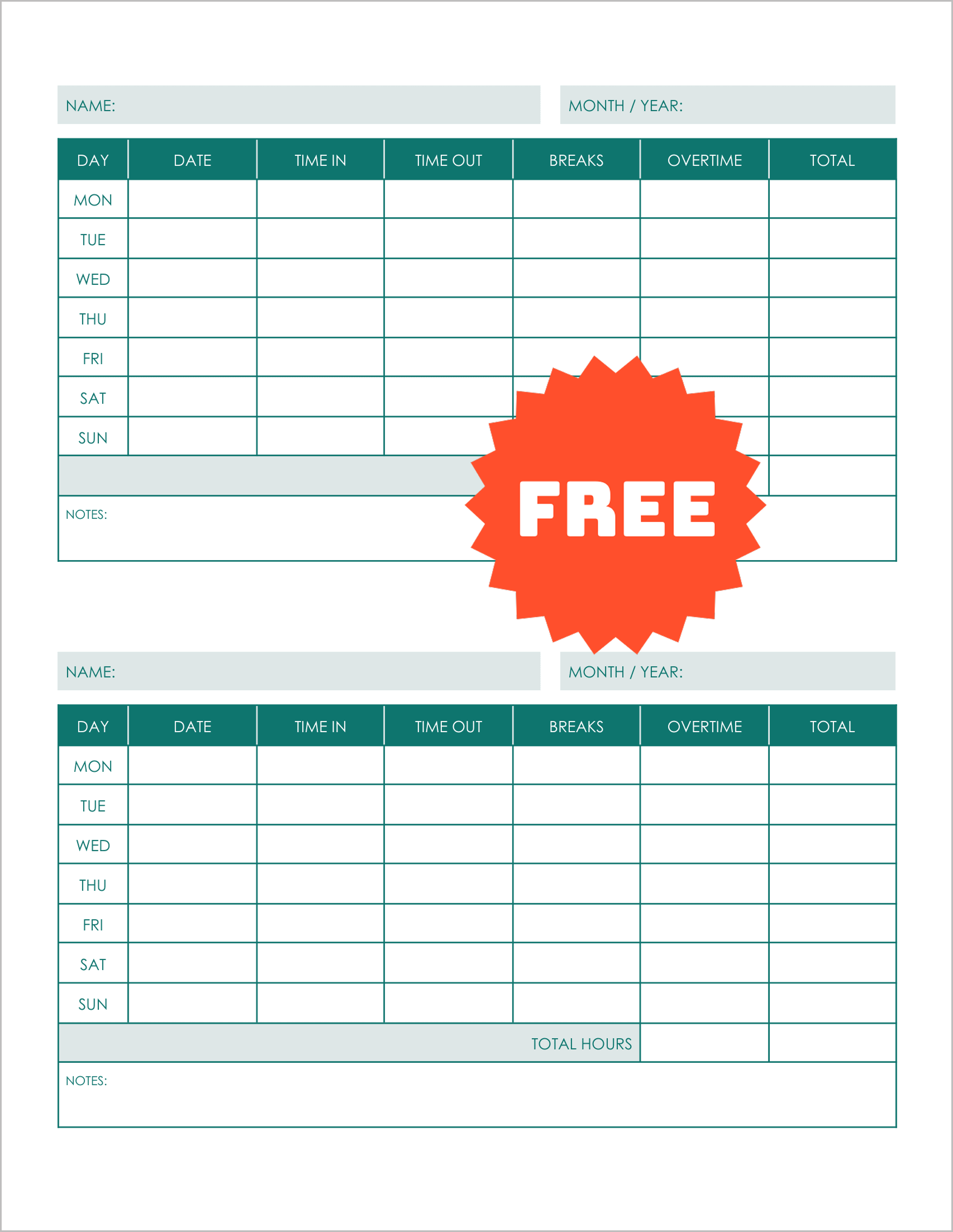
This is a stripped-down version of the standard log. It removes the departmental fields and focuses on the basics: Date, Time In, Time Out, Breaks, and Total.
It is designed for freelancers or contractors who need a simple “proof of work” document to attach to their invoices.
4. The Overtime Authorization Sheet
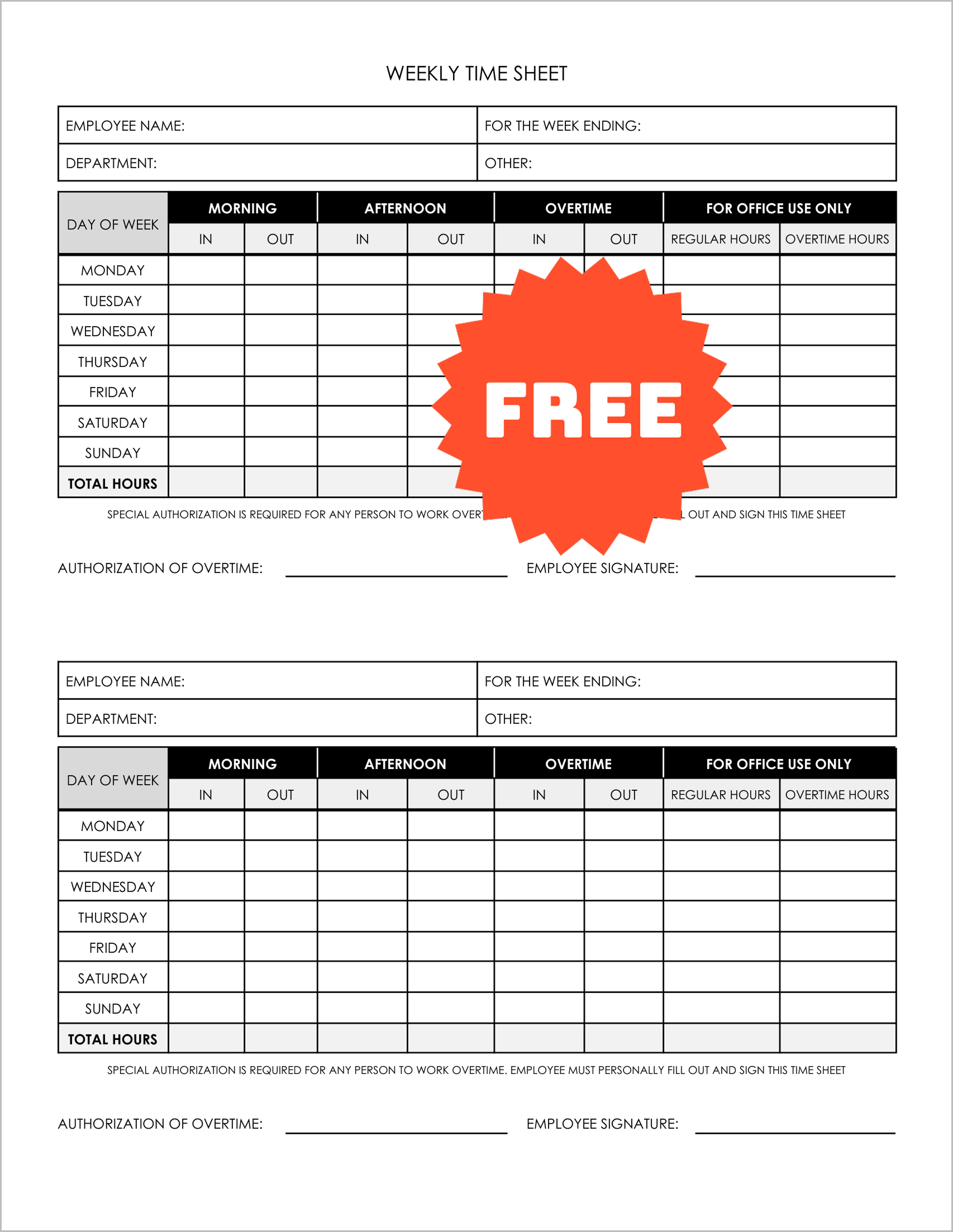
This form is built for control. It includes a prominent notice that “Employee Must Personally Fill Out and Sign This Time Sheet”.
It features a dedicated “Authorization of Overtime” signature line, preventing unauthorized extra hours from slipping through payroll.
5. The Day-Grid Tracker
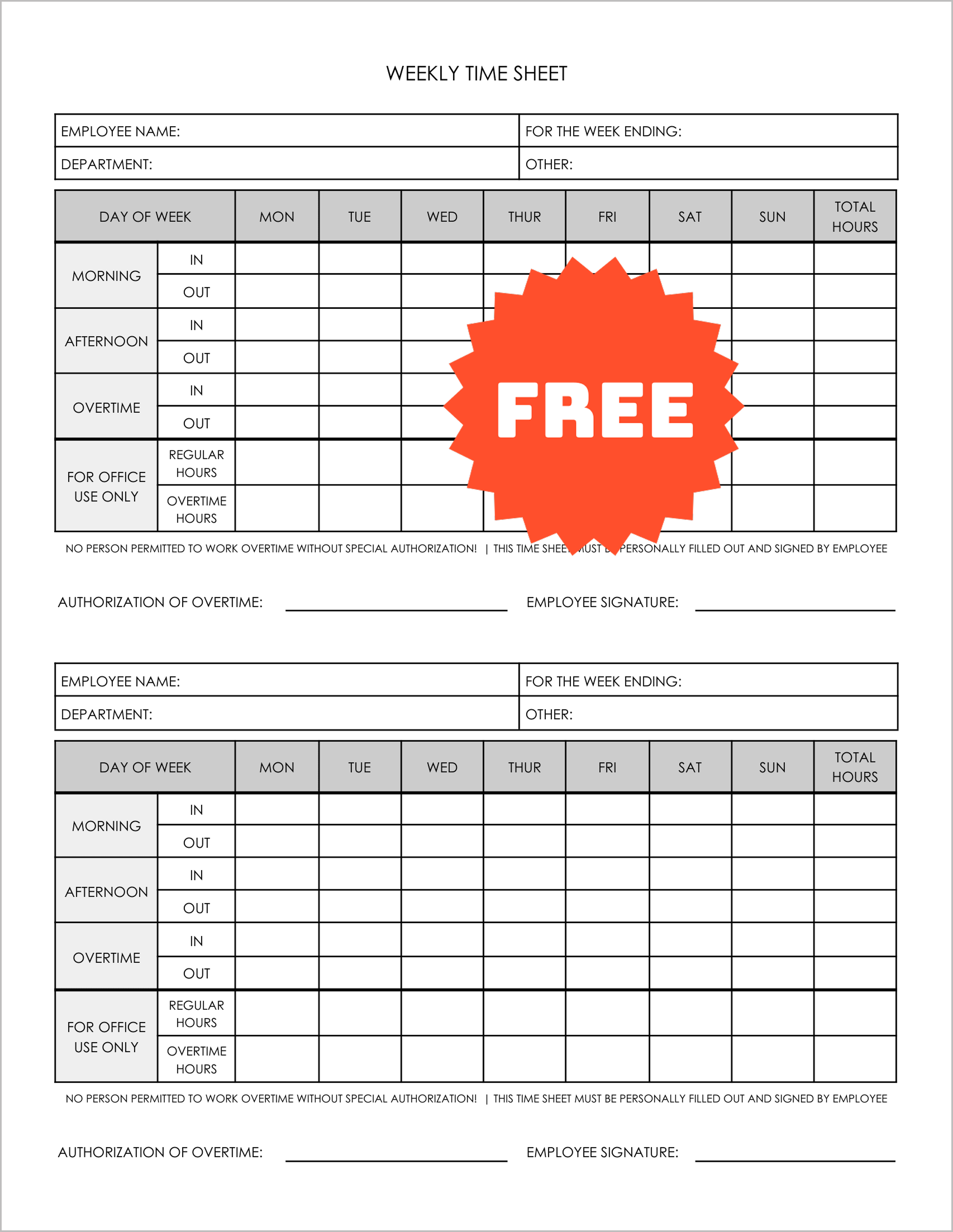
This unique layout is transposed. The Days of the Week are arranged horizontally across the top. The rows below track the specific In/Out times for Morning, Afternoon, and Overtime.
This layout is often preferred by managers who want to scan a specific day (e.g., “Who was late on Monday?”) across the whole sheet.