
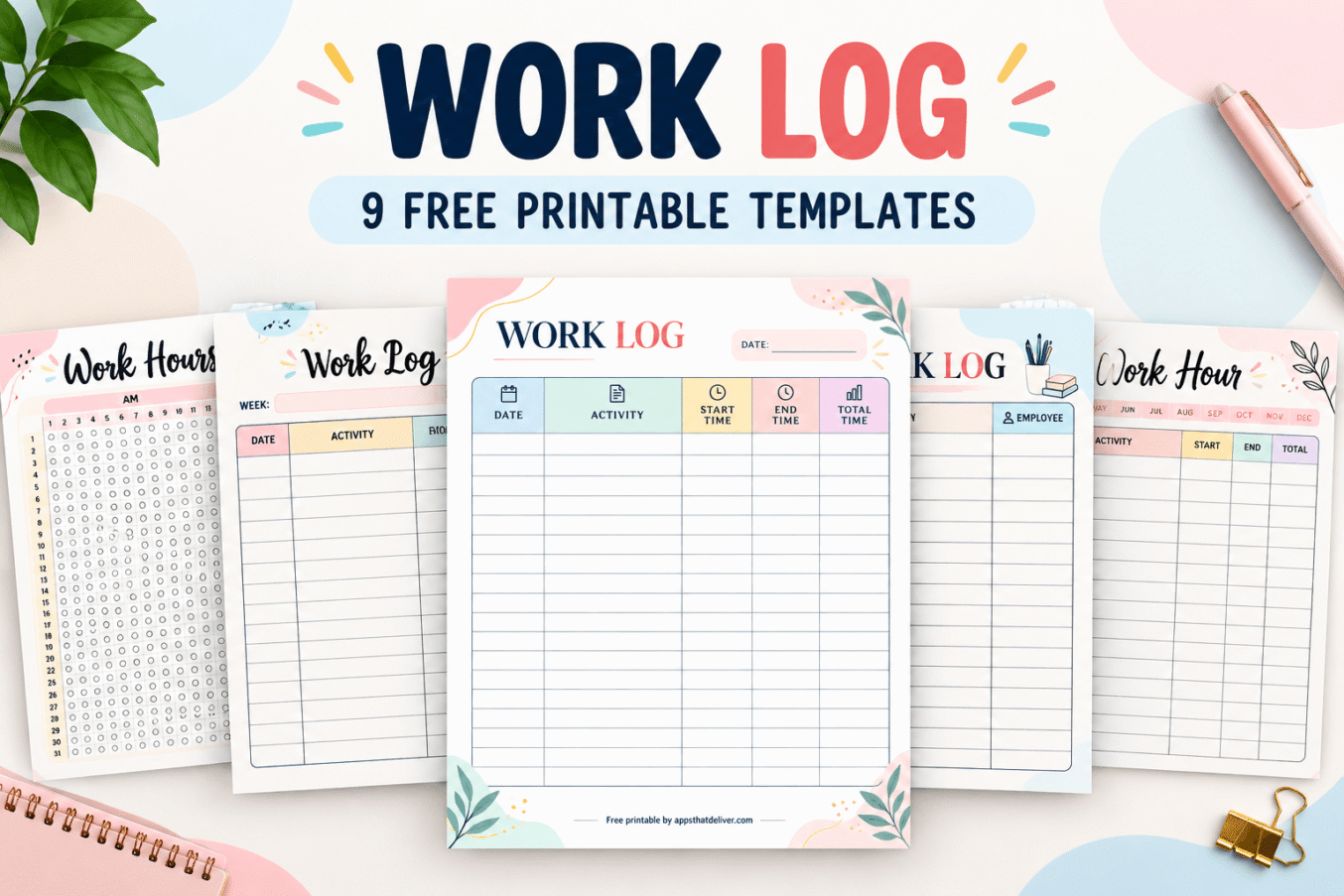

Keeping track of your working hours and daily activities doesn’t have to be complicated. Whether you’re recording time spent on projects, monitoring employee hours, or simply trying to understand where your workday goes, a printable work log can make the process much easier.
These free printable work log templates provide a straightforward way to record what you’ve worked on, when you started, when you finished, and how much time you spent on each activity.
This collection includes 9 colorful work log designs, ranging from traditional daily work logs to monthly hour trackers, employee timesheets, and task-based activity logs.
Each template has blank spaces for recording your own information, so you can use the printables for office work, freelance projects, studying, volunteering, or other activities that require time tracking.
Free Printable Work Log Templates
Different types of work require different tracking methods. Some people only need to record their start and end times, while others want a detailed breakdown of individual tasks and activities.
That’s why this collection includes several different work log layouts:
- Traditional work log with date, activity, start time, end time, and total time
- Daily work log with a dedicated date field
- Monthly work hours chart with AM and PM tracking
- Monthly work log with individual activity entry boxes
- Weekly work log with a separate notes section
- Employee work hours log with time-in and time-out columns
- Task log with a completion checkbox column
- Work activity log with an employee column
- Work hour log with month selection and time tracking
All nine designs feature colorful headers, blank writing areas, and simple layouts intended for handwritten entries. You can print a fresh sheet whenever you need another work record.
Why Use a Printable Work Log?
A work log is a written record of the activities you complete and the time you spend working. It can be as simple as a list of start and finish times or as detailed as a breakdown of individual assignments.
Using a printable work log can help you stay organized in several ways.
- Track working hours. Record when work begins and ends so you have a clear record of your time.
- Monitor daily activities. Write down the tasks, assignments, or projects completed throughout the day.
- Organize project time. See how much time different responsibilities require.
- Maintain employee records. Use the appropriate layouts to document staff activities and reported working hours.
- Review productivity. Look back at completed work and identify activities that take more time than expected.
- Support timesheet preparation. Use your handwritten entries as a reference when preparing formal timesheets or invoices.
A printable log is particularly useful when you prefer writing by hand or want a simple paper record without opening a time-tracking app.
How to Use These Printable Work Log Sheets
These work log templates are designed to be easy to use. You don’t need a complicated tracking system to get started.
- Choose your work log. Pick a layout based on whether you need to track individual activities, daily working hours, employee records, or monthly work patterns.
- Download the PDF. Use the download button below your preferred design.
- Print your template. Print the worksheet and keep it somewhere convenient while working.
- Enter the date. Fill in the date, week, month, or other identifying information available on your chosen template.
- Record your activity. Write a short description of the task, project, or work completed.
- Track your time. Enter the start and end times or mark the appropriate hours on the monthly chart.
- Calculate total time. For logs with a total time column, calculate how long each activity took, subtracting unpaid breaks where appropriate.
- Review and store your log. Check your entries for accuracy and keep completed sheets in a folder or binder.
If you work on several different projects, you can use separate sheets for each project. Alternatively, record everything on one page and use the activity column to distinguish between assignments.
9 Free Printable Work Log and Work Hours Templates
Below are all nine printable work log designs. Each template has a different arrangement of columns, tracking spaces, or additional features, so you can choose the one that best fits your needs.
1. Monthly Work Log with AM and PM Hour Tracking
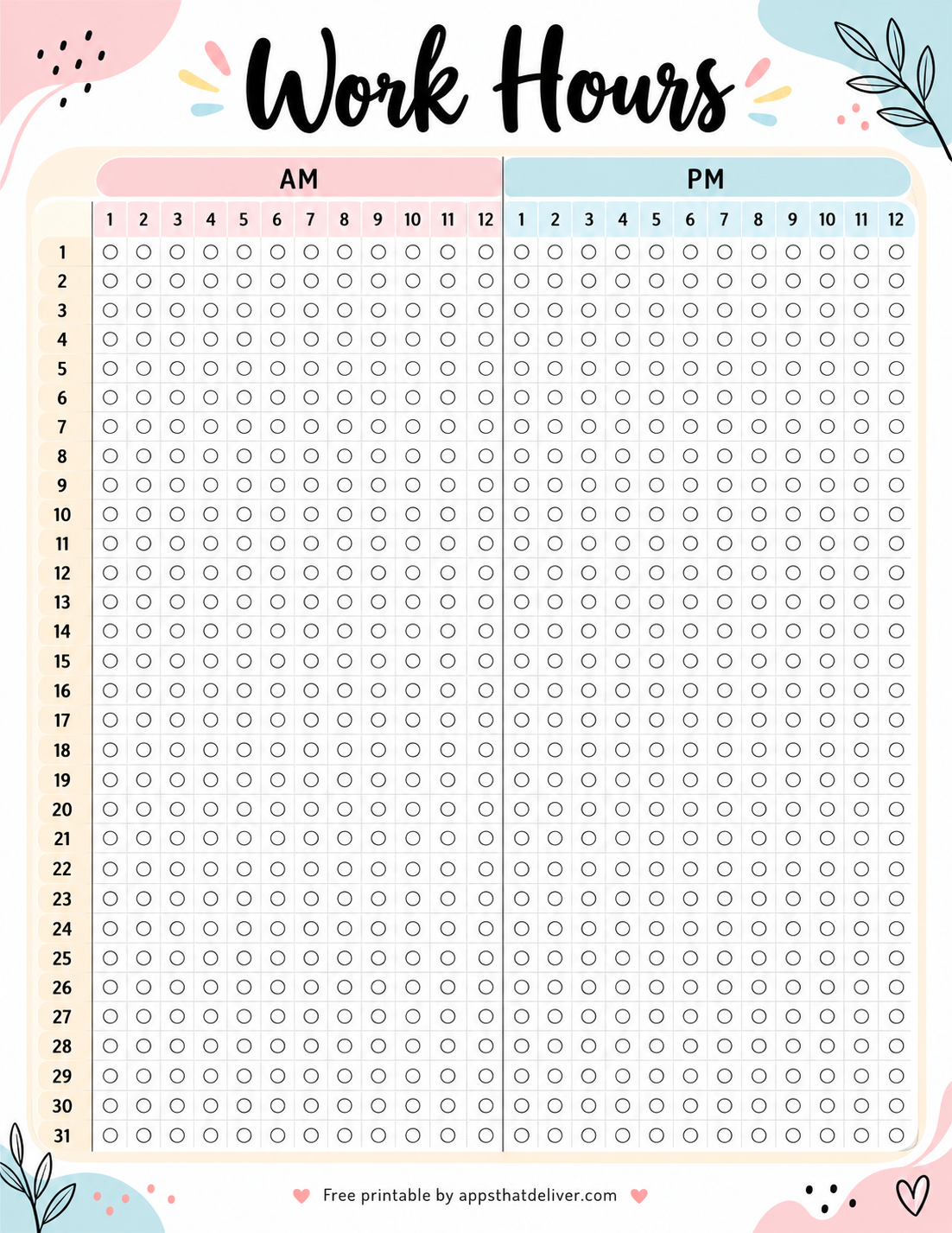
This colorful Work Hours printable offers a visual way to track working hours throughout an entire month.
Instead of writing individual activity descriptions, the template uses a large tracking chart. The left side lists dates from 1 through 31, while the top divides the day into AM and PM sections.
Each section contains hour labels from 1 through 12, with an empty circle at every date-and-hour intersection. You can mark or color the circles to represent the hours worked on a particular day.
This design is especially helpful if you prefer a visual monthly overview of your working patterns. You might use it for personal work-hour tracking, study sessions, volunteering, or another recurring activity.
Because the circles represent hourly positions rather than exact start and end minutes, this chart is best suited to general tracking rather than precise payroll calculations.
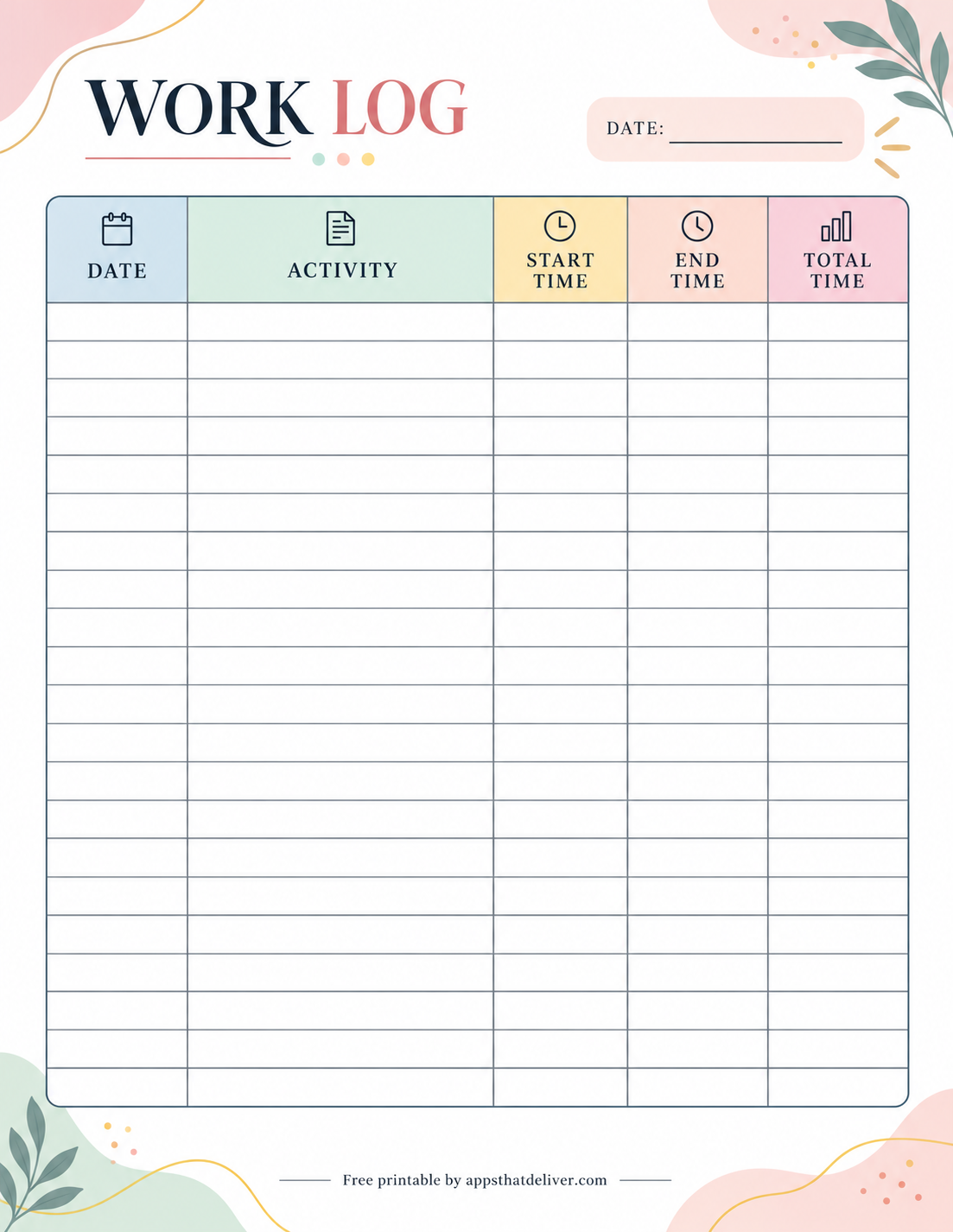
2. Simple Work Log with Date and Activity Tracking
If you want a straightforward way to record your daily work, this printable work log template is a practical option.
The page includes five clearly labeled columns: Date, Activity, Start Time, End Time, and Total Time. The activity column is wider than the time columns, giving you room to describe the work you completed.
At the top, there’s a separate blank date field. The large table below provides multiple empty rows for recording activities throughout the day.
Use this template to document office responsibilities, freelance assignments, project tasks, or any work that requires a written record of time spent.
The pastel-colored column headers and simple grid make it easy to locate information when reviewing your entries later.
3. Weekly Work Log Template with Notes Section
This cheerful weekly work log printable combines time tracking with a separate space for writing additional notes.
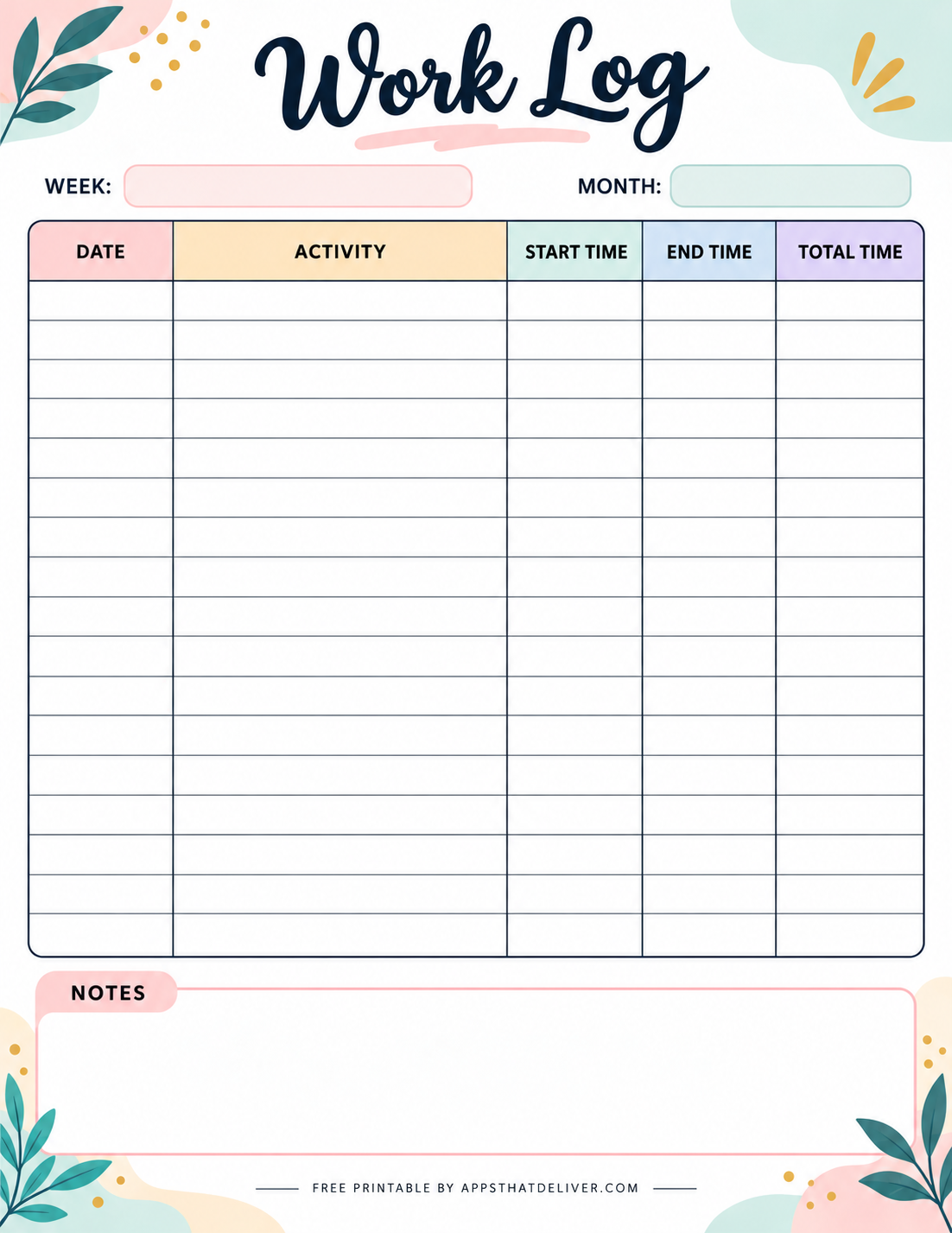
At the top, you’ll find blank fields labeled Week and Month. These allow you to identify the period covered by your work log without using a preprinted date.
The main table contains Date, Activity, Start Time, End Time, and Total Time columns. You can use the empty rows to record individual tasks, work sessions, or daily assignments.
A large Notes section appears below the table, providing extra room for project details, explanations, reminders, or information that doesn’t fit into the activity column.
This design works particularly well for freelancers, remote workers, project teams, and anyone who wants to maintain a weekly record with additional context.
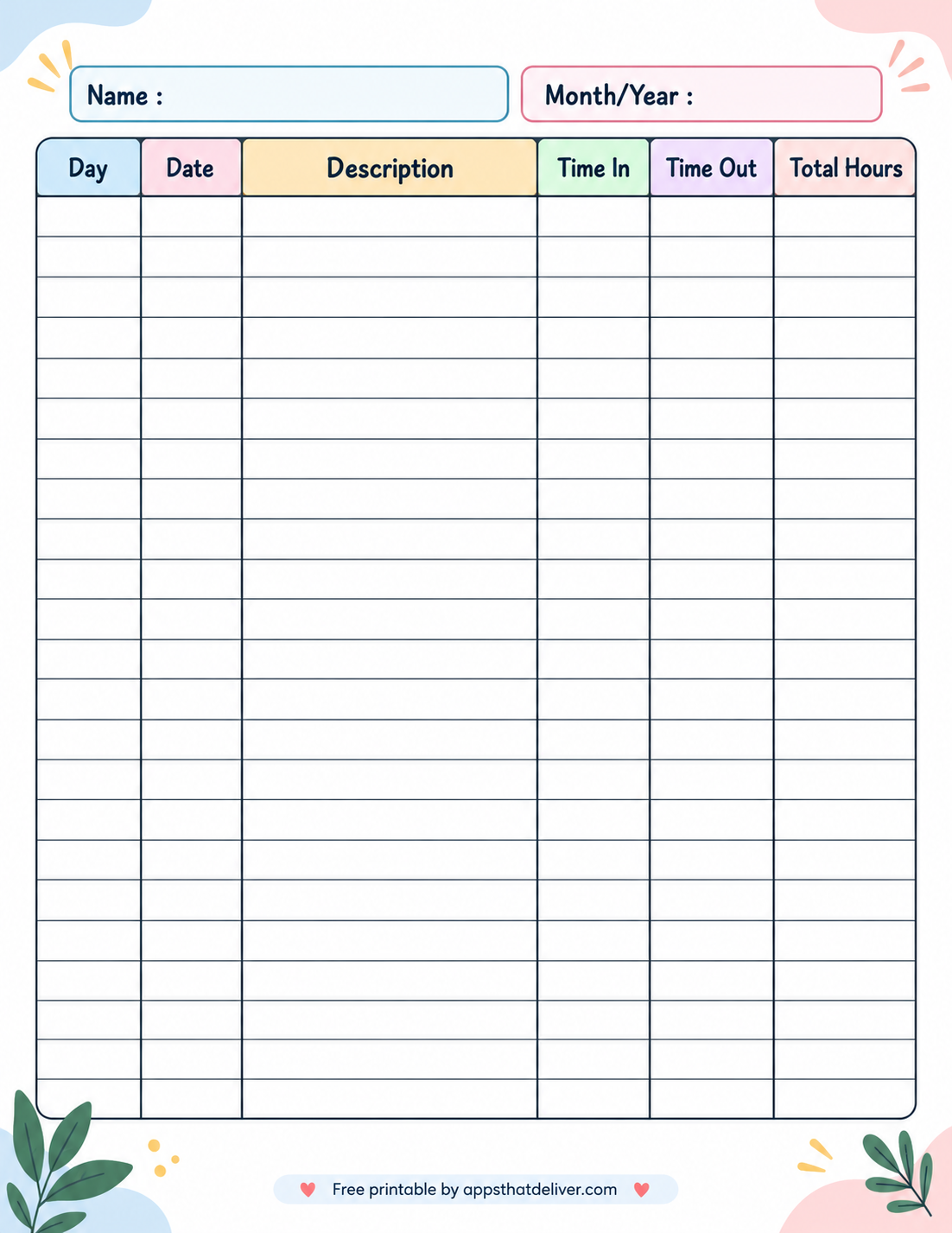
4. Employee Work Hours Log with Time In and Time Out
This employee work hours log provides a structured way to record working time alongside a description of the work performed.
The top of the page contains two blank fields labeled Name and Month/Year. These can be used to identify the person completing the sheet and the reporting period.
The table includes six columns: Day, Date, Description, Time In, Time Out, and Total Hours. This arrangement allows you to record both the calendar date and the day of the week.
The description column provides room for work details, while the time columns let you record when each work period begins and ends.
This printable can be useful for employees, supervisors, small business owners, and anyone maintaining a handwritten record of reported work hours.
For official payroll purposes, make sure entries include any required break deductions and follow your workplace’s timekeeping procedures.
5. Task Log Printable with Completion Checkboxes
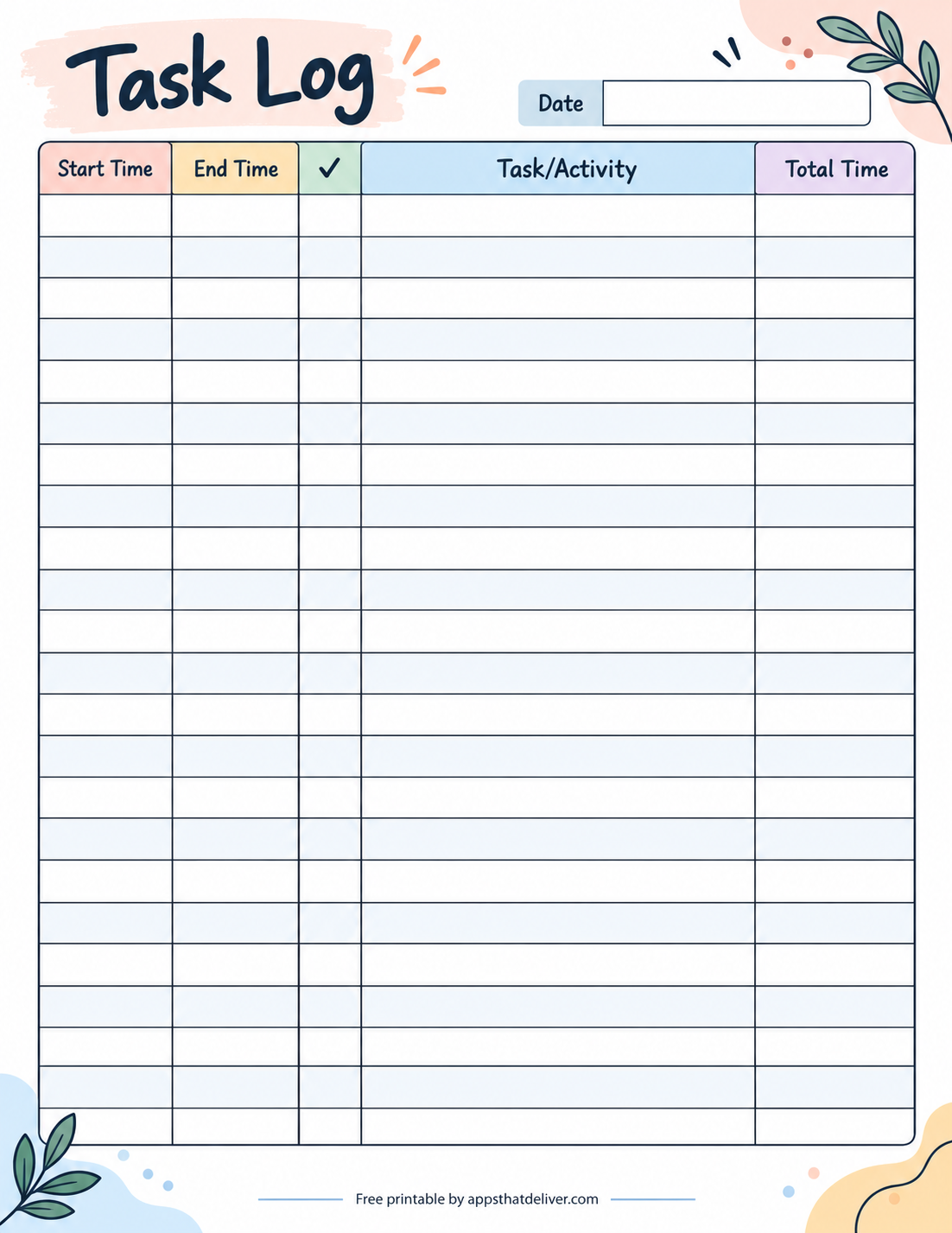
Need to track individual tasks as well as the time spent completing them? This colorful Task Log printable combines activity tracking with a completion column.
The page has a blank Date field near the top, followed by a large table with Start Time, End Time, a checkmark column, Task/Activity, and Total Time.
The narrow checkmark column gives you a place to indicate whether an activity has been completed. The wider Task/Activity column provides space for writing descriptions of your work.
This layout is especially useful when you’re managing several small assignments during the day and want to keep track of both time and progress.
You can use it for administrative tasks, project work, studying, household responsibilities, or other activities where a completion indicator is helpful.
6. Work Activity Log with Employee Column
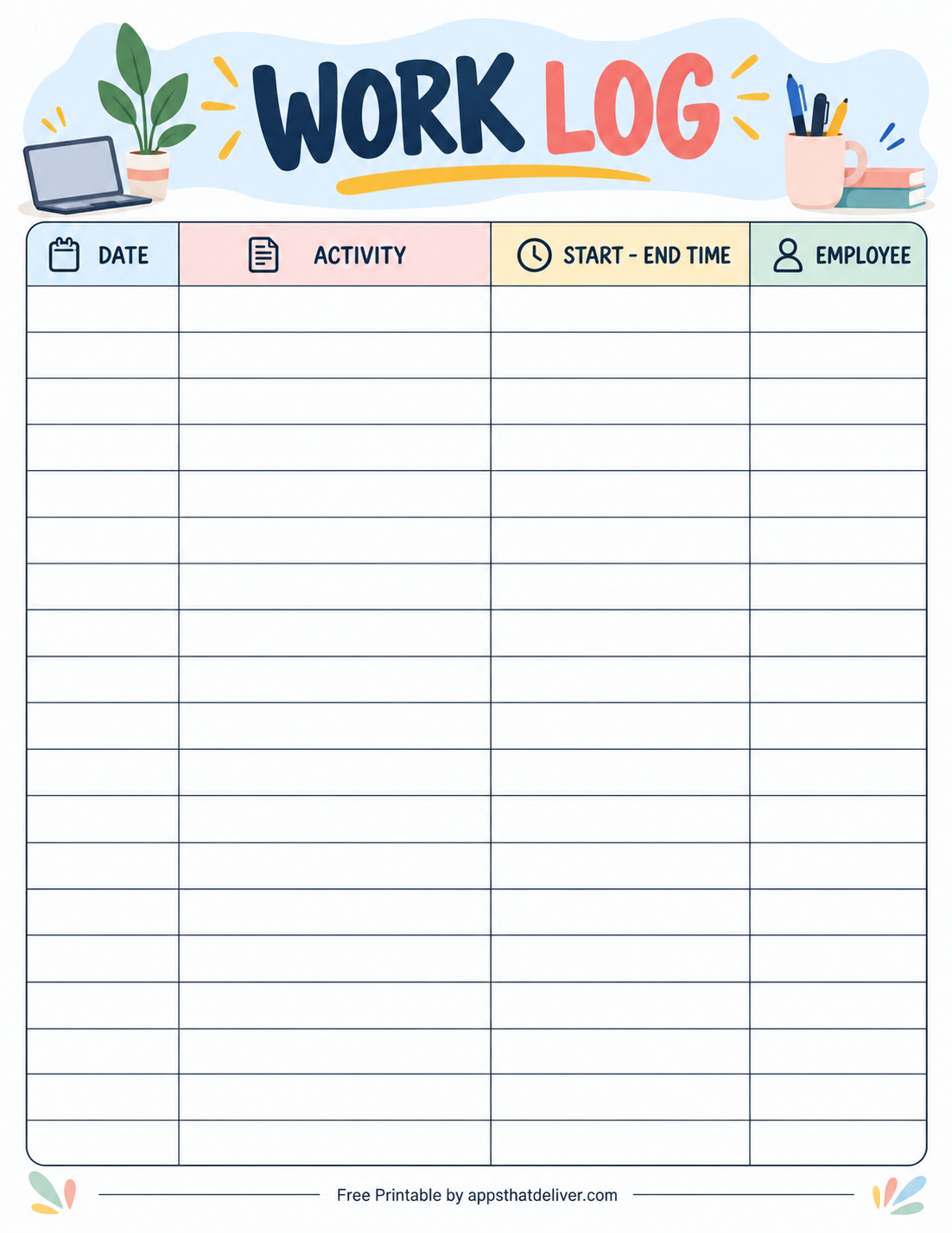
This bright work activity log template is designed for recording activities, work periods, and the employees associated with them.
The table includes four columns: Date, Activity, Start – End Time, and Employee.
The wide Activity column gives you space to describe the work performed, while the combined time column allows you to write the start and end times together.
The Employee column can be used to identify the person responsible for each activity. This is particularly helpful when multiple people contribute to a shared work record.
Unlike the templates with a Total Time column, this design focuses on documenting who performed an activity and when it took place.
It can be useful for small teams, office task tracking, project coordination, and shared activity records.
7. Work Hour Log with Month Selection
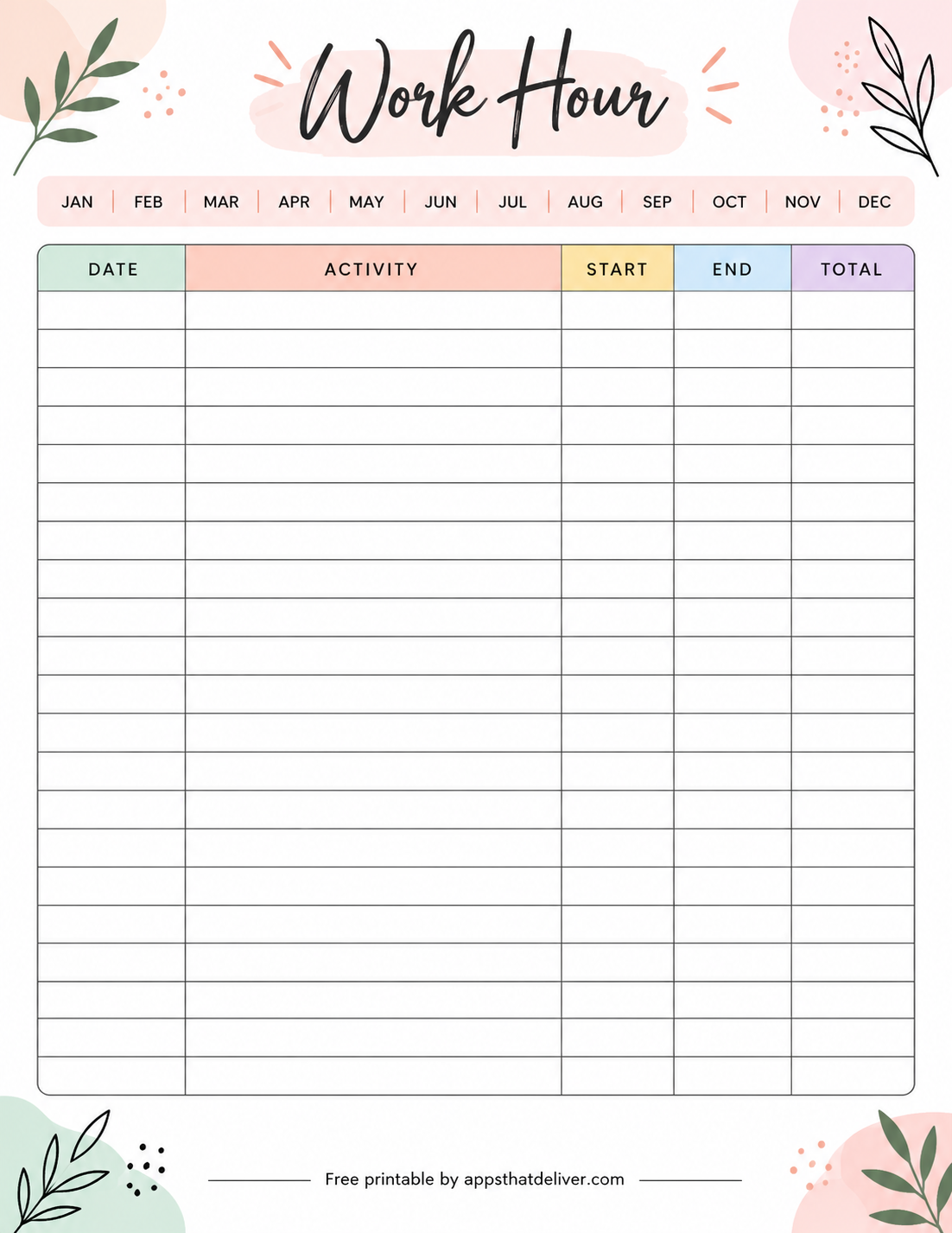
This elegant Work Hour printable is a simple choice for recording work sessions during a selected month.
Across the top, the template displays all twelve months, from January through December, using abbreviated month names. You can mark the month you’re tracking.
The main table contains Date, Activity, Start, End, and Total columns. The Activity column is the largest, giving you room to describe tasks or assignments.
The Start and End columns allow you to record when each work session took place, while the Total column provides space for the duration.
This printable works well for maintaining a running record of work hours, freelance assignments, or project activities over a selected period.
Because the month names are already printed, you can reuse the same blank template throughout the year by selecting a different month each time.
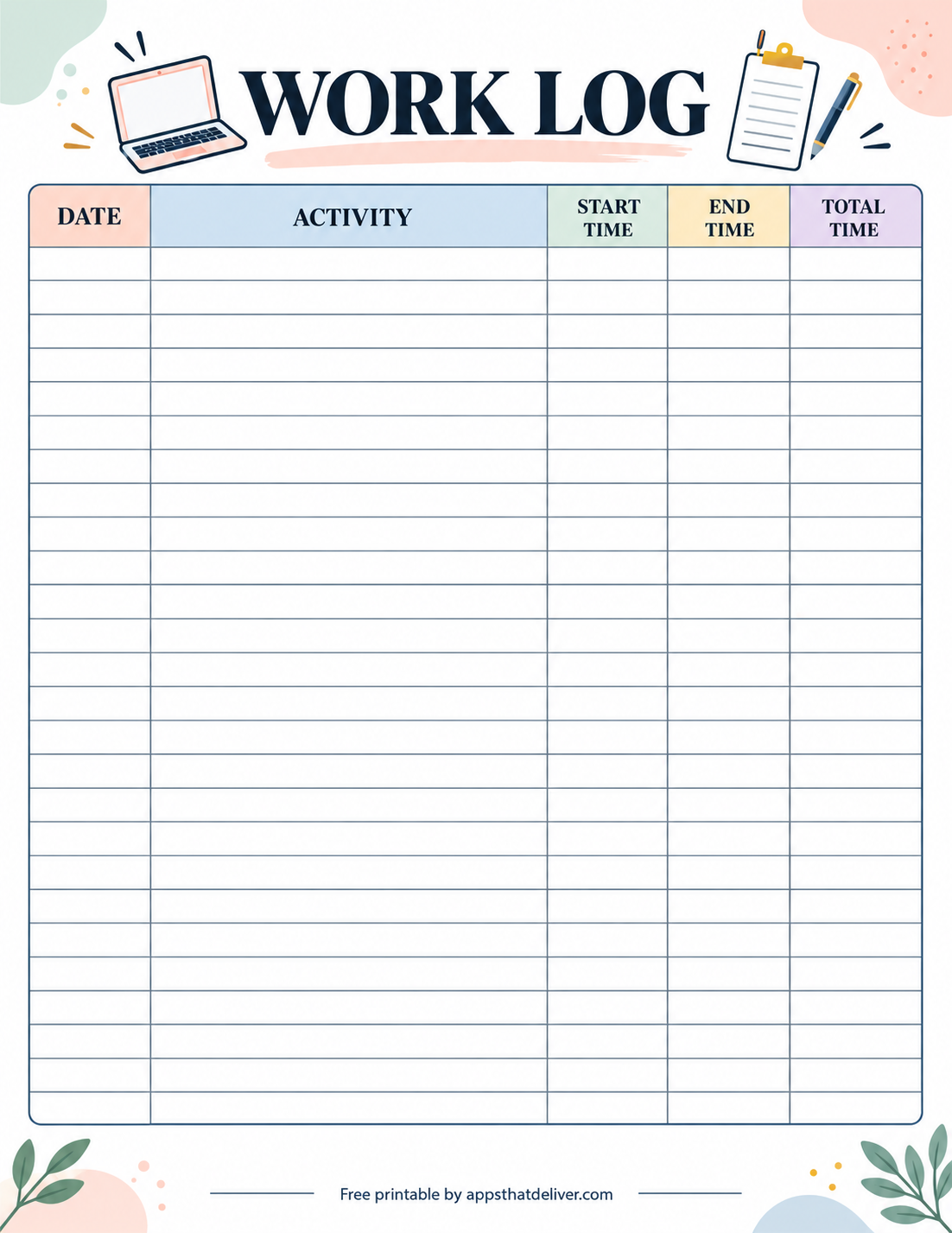
8. Classic Printable Work Log with Time Tracking
This classic work log sheet provides a clean, organized table for recording daily work activities and their durations.
It features five columns: Date, Activity, Start Time, End Time, and Total Time. The wide Activity column makes it easy to write brief descriptions of assignments or completed work.
The table takes up most of the page, offering plenty of blank rows for ongoing entries. Unlike designs with separate month or week fields, this version keeps the focus on the main tracking table.
Its decorative header features a laptop, clipboard, and pencil, while the pastel column colors make the different fields easy to distinguish.
This is a useful all-purpose option for anyone who wants a straightforward printable work time log without additional planning sections.
9. Monthly Work Log with Individual Entry Boxes
This beautiful monthly work log template features a different table style, with individual outlined boxes for recording work activities.
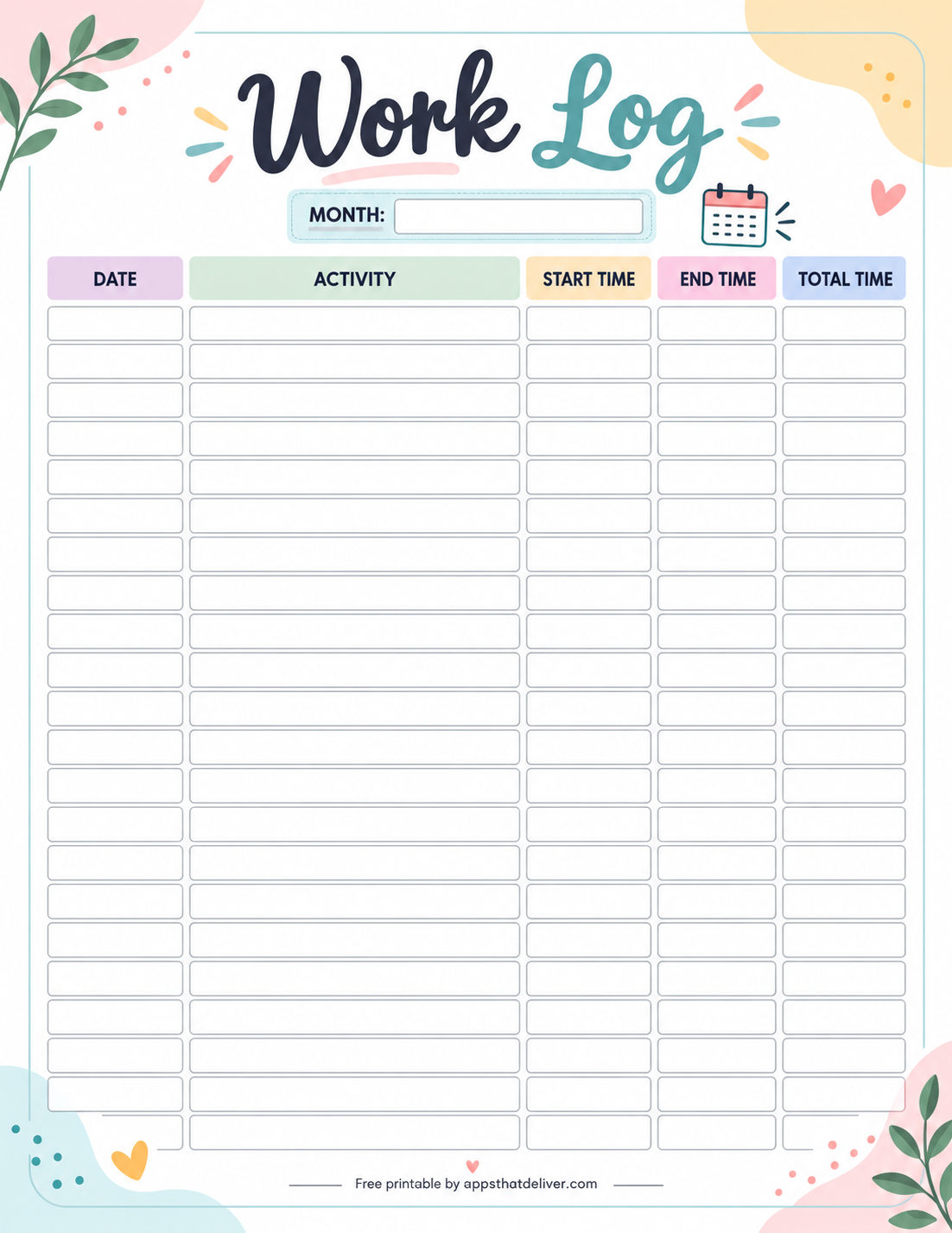
At the top, there’s a blank Month field, allowing you to identify the reporting period.
Below it, the table includes Date, Activity, Start Time, End Time, and Total Time columns. Instead of continuous horizontal grid lines, each entry has its own set of rounded rectangular writing spaces.
This arrangement makes it easy to keep individual entries visually separated, especially when reviewing a long list of activities.
The design is useful for tracking freelance projects, daily office responsibilities, personal work sessions, or other activities over a month.
Choose this template if you prefer clearly separated writing boxes rather than a traditional spreadsheet-style table.
Which Printable Work Log Should You Choose?
With nine different designs available, the best work log depends on what you want to record and how detailed your tracking needs to be.
- For basic work time tracking: Choose Template 2 or Template 8 for a traditional table with activity descriptions and time columns.
- For a visual monthly hours tracker: Template 1 includes a 31-day AM and PM chart with circles you can mark or color.
- For weekly reporting: Template 3 includes week and month fields along with a dedicated notes area.
- For employee timesheets: Template 4 provides day, date, description, time-in, time-out, and total-hours columns.
- For tracking task completion: Template 5 includes a checkmark column alongside the time and activity fields.
- For team activity records: Template 6 includes an Employee column to identify who completed each activity.
- For selecting a month quickly: Template 7 includes all twelve abbreviated month names at the top.
- For neatly separated entries: Template 9 provides individual writing boxes for each activity.
You can also use different templates for different purposes. For example, a freelancer might use a detailed activity log for client work and a visual monthly chart for personal productivity tracking.
How to Calculate Total Work Hours
Several of these printable work logs include Start Time, End Time, and Total Time columns. Knowing how to calculate the duration of a work session will help you fill them out accurately.
1. Record Your Start and End Times
Begin by writing down when you started working and when you finished. Use a consistent time format, such as AM/PM or 24-hour time, to avoid confusion.
For example, if you started at 9:00 AM and finished at 5:00 PM, the elapsed time would be eight hours.
2. Subtract Unpaid Breaks
If your work period includes unpaid breaks, subtract those breaks from the elapsed time when calculating paid working hours.
For example, a work period from 9:00 AM to 5:00 PM with a 30-minute unpaid lunch break would equal 7 hours and 30 minutes of working time.
3. Record the Total Duration
Write the calculated duration in the Total Time or Total Hours column.
You can use hours and minutes, such as 7 hours 30 minutes, or decimal hours, such as 7.5 hours. Just make sure you use the same format throughout your records.
Remember that 30 minutes equals 0.5 hours, while 15 minutes equals 0.25 hours. If you’re preparing records for payroll or billing, follow the required rounding and break policies.
Daily, Weekly, and Monthly Work Logs: What’s the Difference?
Daily, weekly, and monthly work logs serve similar purposes, but each offers a different level of detail and a different way to review your time.
Daily Work Log
A daily work log focuses on activities completed during a single day. It’s helpful when you want to record several tasks, meetings, or work sessions individually.
Daily logs are particularly useful for detailed task tracking, project documentation, and reviewing how your time was spent.
Weekly Work Log
A weekly work log brings several days of work together in one reporting period. It can help you review your activities across the week without switching between separate daily sheets.
A weekly format can be useful for recurring assignments, project updates, and preparing weekly timesheets.
Monthly Work Log
A monthly work log is useful when you want to monitor work patterns or collect activity records over a longer period.
Monthly logs can help you compare working days, review recurring activities, and keep a broader record of your time. If you have more entries than the page allows, you can continue on additional sheets for the same month.
Who Can Use These Work Log Templates?
These printable work logs can be adapted to many different work environments and personal routines.
- Freelancers: Record time spent on client assignments, writing, design work, consulting, or other billable activities.
- Remote workers: Maintain a personal record of work sessions and daily responsibilities.
- Employees: Track reported work hours, shift times, and completed activities.
- Small business owners: Document work performed and maintain simple activity records.
- Project managers: Track tasks, work periods, and team activity information.
- Students: Use the hour charts or task logs to record study sessions and assignment progress.
- Volunteers: Keep a record of volunteer dates, activities, and time contributed.
The same printable can often serve more than one purpose. For instance, a traditional work log may be used for both freelance projects and volunteer hour tracking.
Tips for Keeping an Accurate Work Log
A work log is most useful when the information is accurate, consistent, and easy to understand later.
- Update your log regularly. Record activities as they happen instead of trying to remember everything at the end of the week.
- Use clear activity descriptions. Write specific task names so you can identify the work later.
- Be consistent with time formats. Avoid switching between decimal hours and hours-and-minutes notation without clearly identifying the format.
- Account for breaks. Record working time according to the rules relevant to your situation.
- Review entries for mistakes. Check dates, start times, end times, and totals before storing the sheet.
- Use additional pages when needed. Don’t squeeze multiple unrelated activities into one small row if they would be clearer as separate entries.
- Store completed logs safely. Keep your work records in a labeled folder or binder so you can find them later.
If you’re using these sheets for employment, invoicing, or official reporting, confirm that the format meets the requirements of your organization. A personal printable log may not replace an approved timekeeping system.
How to Organize Your Completed Work Log Sheets
Once you’ve started tracking your work regularly, keeping your completed pages organized will make them more useful.
A simple binder with monthly dividers is an easy way to store work logs in chronological order. You can also separate pages by project, client, employee, or activity type.
For example, freelancers may prefer to keep separate folders for each client, while employees might organize their logs by week or pay period.
If you use the monthly work hours chart, store it alongside your more detailed daily activity sheets. This gives you both a visual overview and a written record of individual work sessions.
Before filing a completed page, check that the dates and time entries are legible. If the sheet contains employee or client information, store it appropriately to protect privacy.
Frequently Asked Questions
Yes. This collection includes nine free work log designs intended for PDF download and printing.
There are nine different designs, including traditional work logs, a monthly work hours chart, a weekly log, an employee hours sheet, a task log, and other activity trackers.
Most work logs include the date, a description of the activity, the start time, the end time, and the total time spent. Some templates also include employee information, completion checkmarks, or notes.
Template 4 includes fields for name and month/year, along with day, date, description, time in, time out, and total hours. Template 6 also includes an employee column for shared activity records.
Yes. Template 1 has a chart with dates 1 through 31 and separate AM and PM hour columns. You can mark the empty circles to track working hours visually.
Subtract the start time from the end time, accounting for any overnight work periods. Then subtract unpaid breaks where appropriate. For example, 9 AM to 5 PM with a 30-minute unpaid break equals 7 hours and 30 minutes.
Yes. You can use the activity and time columns to record freelance assignments, project work, and the time spent on individual tasks.
Template 3 includes a dedicated Notes section below the main work log table. This gives you room for additional project details, reminders, and explanations.
Yes. Template 5 includes a checkmark column next to the Task/Activity column, making it useful for recording both task completion and time spent.
The templates are reusable. Most have blank date fields or date columns, while the monthly chart provides numbered dates from 1 through 31 without a fixed month or year.
Yes. You can print additional copies of your preferred design whenever you need more room for activities or another reporting period.
They can be useful as personal records or supporting worksheets, but you should confirm your employer’s payroll and timekeeping requirements before using them as official timesheets.
Final Thoughts
Tracking your work hours and daily activities doesn’t have to involve complicated software or an elaborate productivity system.
Sometimes, a simple printed worksheet is all you need to keep a clear record of what you’ve worked on and how much time you’ve spent.
This collection includes 9 free printable work log templates, covering everything from traditional activity logs and employee timesheets to monthly hour charts and task completion trackers.
Choose the design that matches your needs, download the corresponding PDF, and start recording your work. You can use one favorite template regularly or switch between different layouts depending on the type of work you’re tracking.
Happy tracking! ❤️