
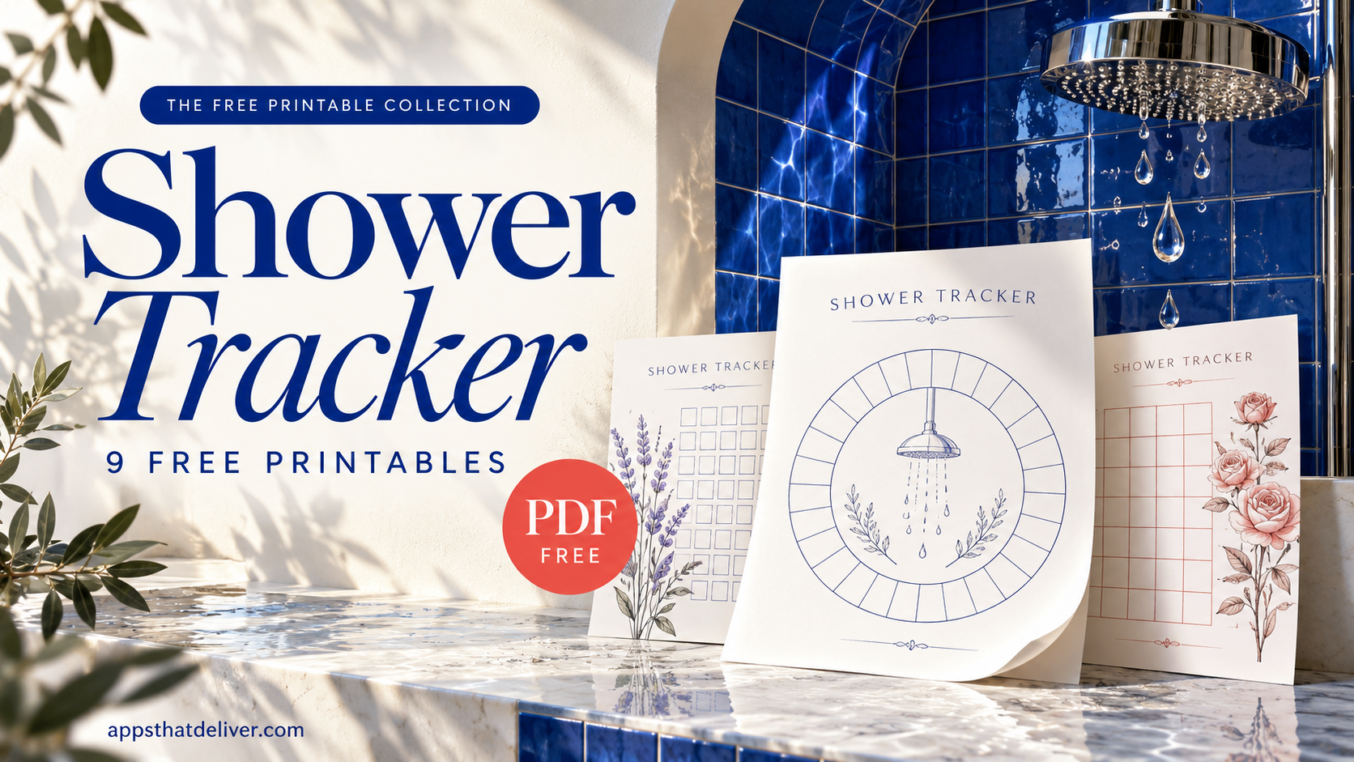

If you sometimes lose track of when you last showered or washed your hair, a paper tracker gives you somewhere to record it. A quick mark or a little color can make your routine easier to look back on.
This collection includes 9 free shower tracker printables with different layouts and decorative styles. Some let you see several months on one page, while others focus on a shorter stretch of days.
Browse the previews below, choose the format you find easiest to use, and download its free PDF. The tracking spaces are unfilled so you can add your own marks and color key.
How to Use These Shower Tracker Printables
Start by deciding what you want to record. You might only need a shower or no-shower mark, or you may want to distinguish morning showers, evening showers, and hair-washing days.
- Choose a layout. Pick an annual sheet for a longer record, a circular tracker for numbered days, or the weekly chart for a Monday-through-Sunday view.
- Download the PDF. Use the button beneath your chosen preview.
- Check the print preview. Make sure the border and footer fit within your printer’s printable area before printing.
- Set up your key. Where a legend is provided, choose distinct colors or symbols for the categories you want to record.
- Update the tracker. Mark the matching day, cell, or illustration using your chosen system.
- Keep your marks consistent. Use the same key throughout the page so you can understand your record later.
These sheets record the routine you choose. An unmarked space can simply mean you haven’t recorded that day yet, so use a separate symbol for skipped days if you want to distinguish the two.
9 Free Shower Tracker Printable PDF Templates
Each design below has its own preview and PDF download button. Choose by tracking format first, then pick the colors and illustrations you enjoy.
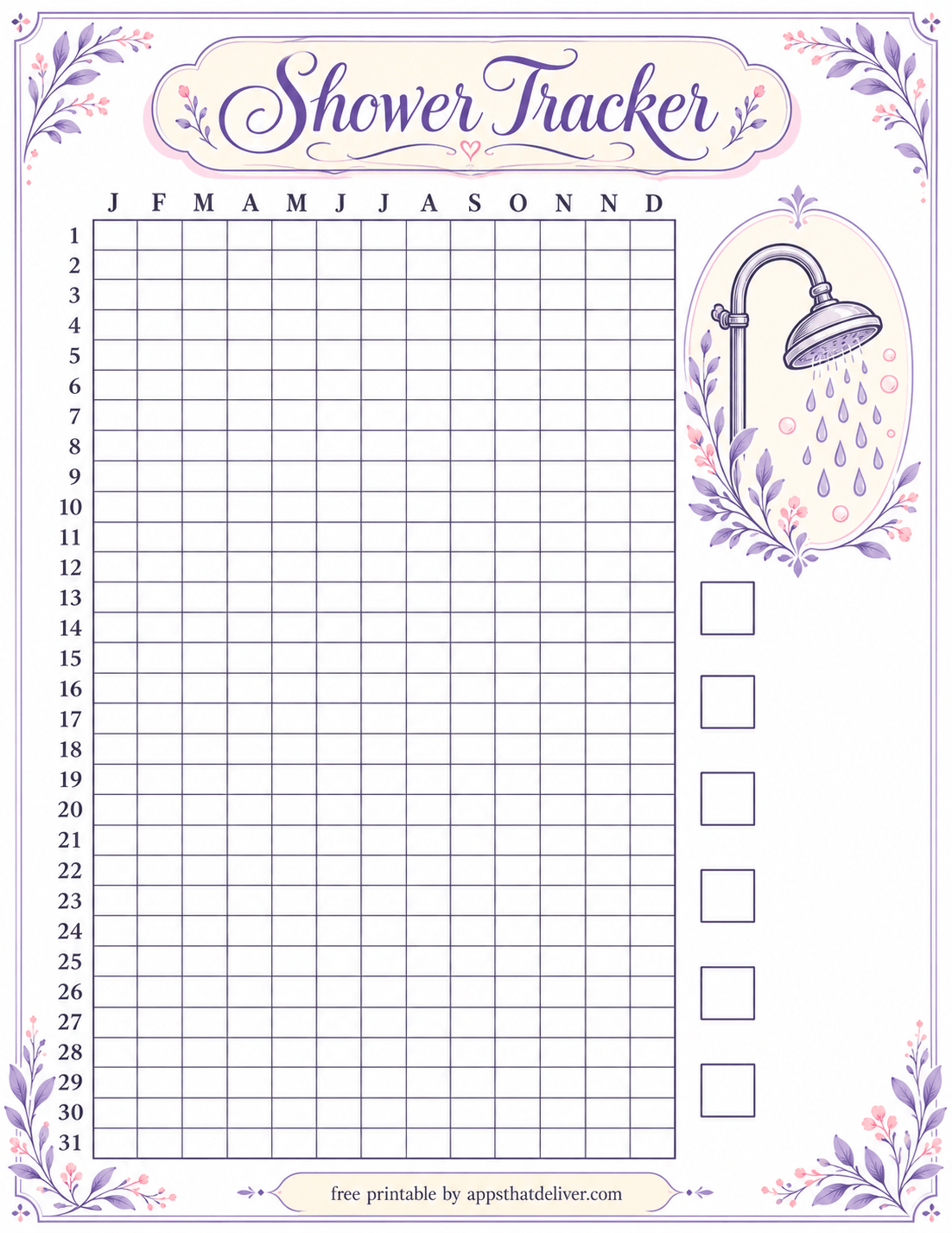
1. Lavender Floral Shower Tracking Grid
This lavender design pairs a large tracking grid with floral corners and a decorative showerhead illustration. Numbered rows run down the left side, with month initials across the top.
The right side includes six empty key boxes with room beside them for handwritten labels. Use those spaces to define your own categories, then mark the grid to match. This layout suits readers who prefer small square cells over individual coloring illustrations.
2. Blue Annual Shower Tracker with Color Key and Notes
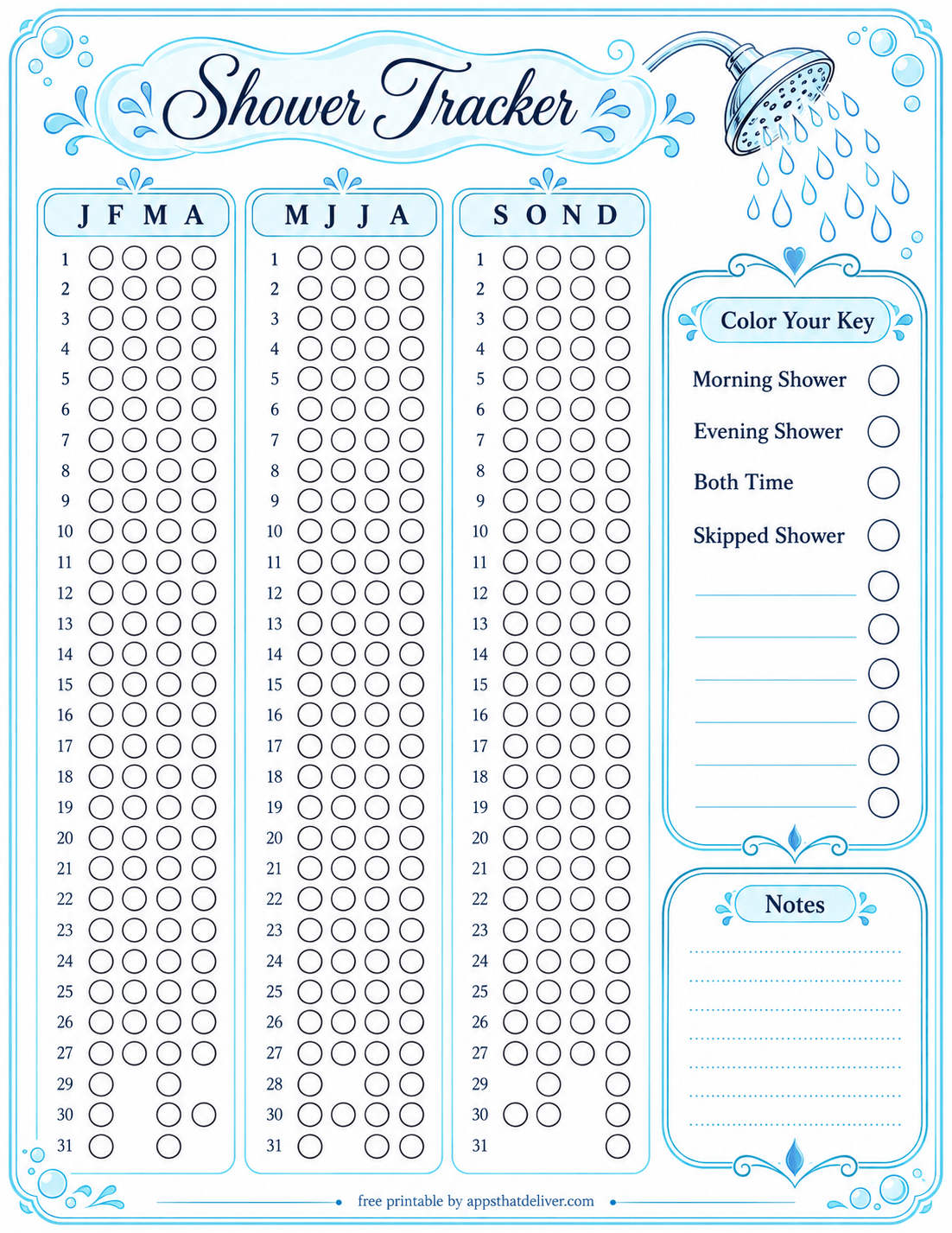
This blue shower tracker arranges the months into three panels of four columns. Outlined circles provide the tracking spaces, while bubbles, water drops, and a showerhead illustration decorate the page.
The Color Your Key section includes Morning Shower, Evening Shower, Both Time, and Skipped Shower, followed by blank lines for additional categories. A separate Notes box gives you space for reminders or details that don’t fit into a colored circle.
3. Four-Week Shower Tracker with Bathtub Icons
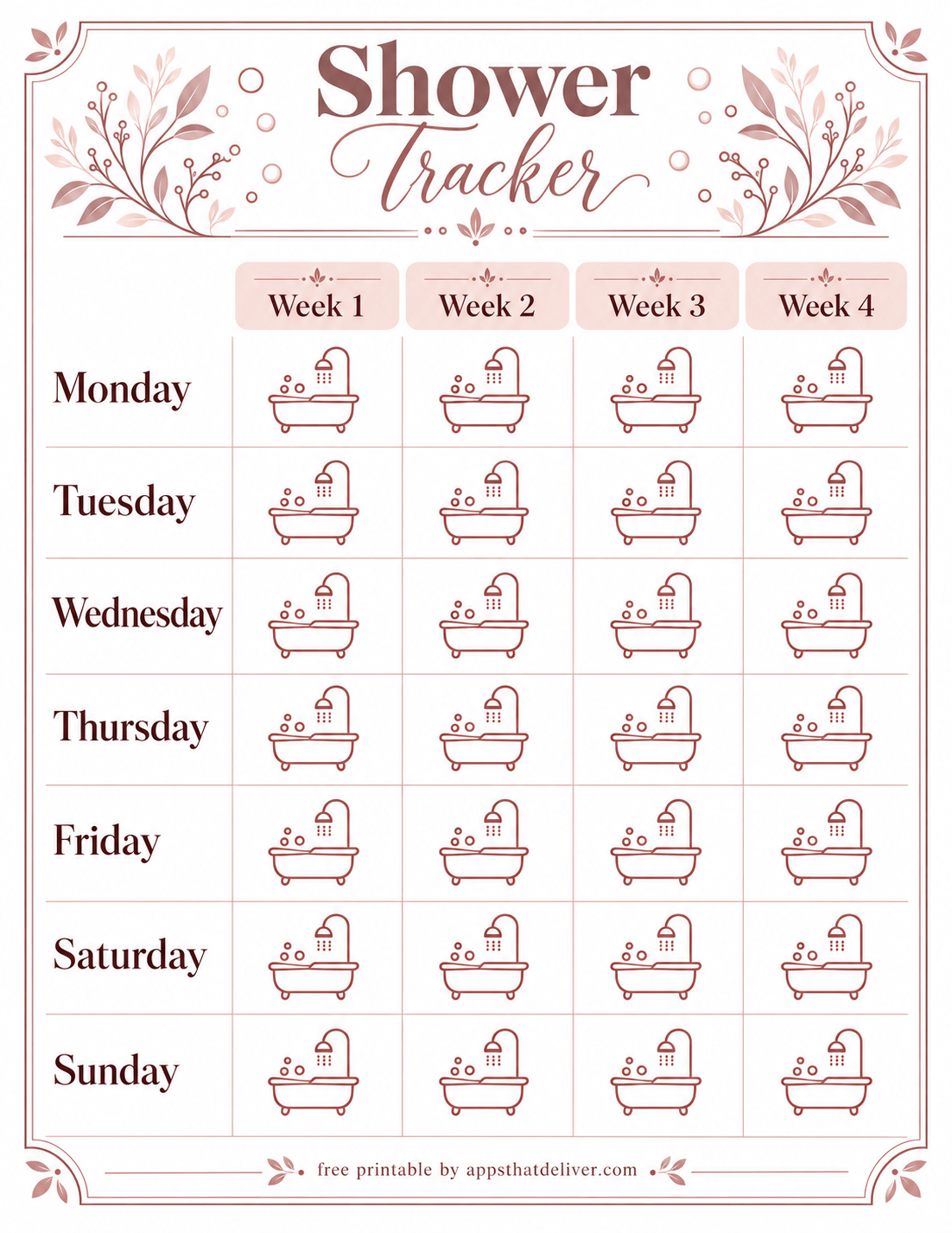
Prefer a weekly view? This rose-toned chart has four columns labeled Week 1 through Week 4 and seven rows labeled Monday through Sunday.
Each day-and-week position contains an outlined bathtub illustration you can mark or color. The clear row labels make it easy to locate a particular weekday without working through a monthly calendar. Use a fresh sheet for each four-week tracking period.
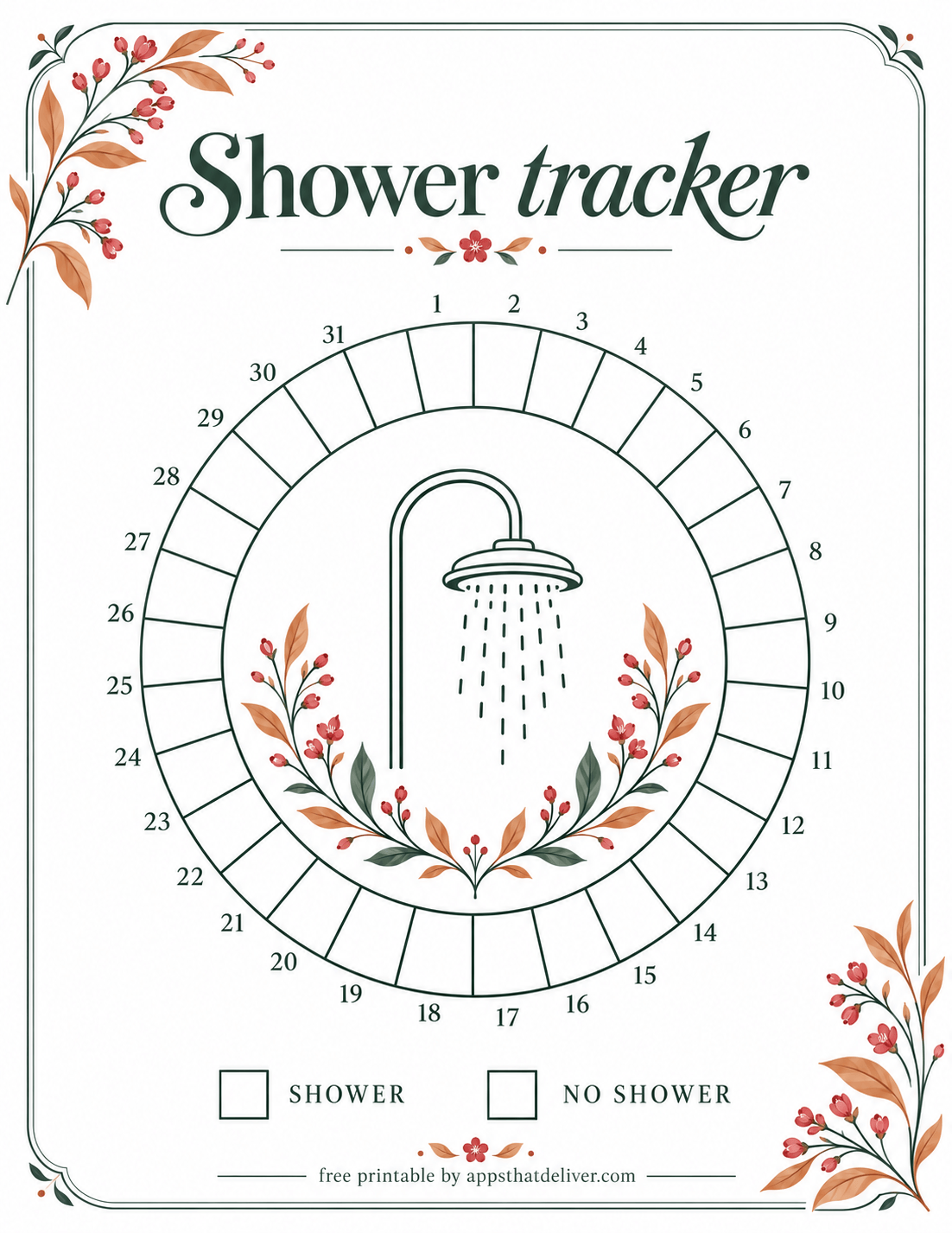
4. Botanical Circular Shower Tracker
This botanical design places a circular tracking ring around a showerhead illustration framed by leaves and small flowers. Dark green outlines and warm orange accents give it a different look from the blue and lavender sheets.
The legend beneath the circle has two empty boxes labeled Shower and No Shower. Choose a color or pattern for each, then use the ring to record your days. This is a straightforward option when you only want two tracking categories.
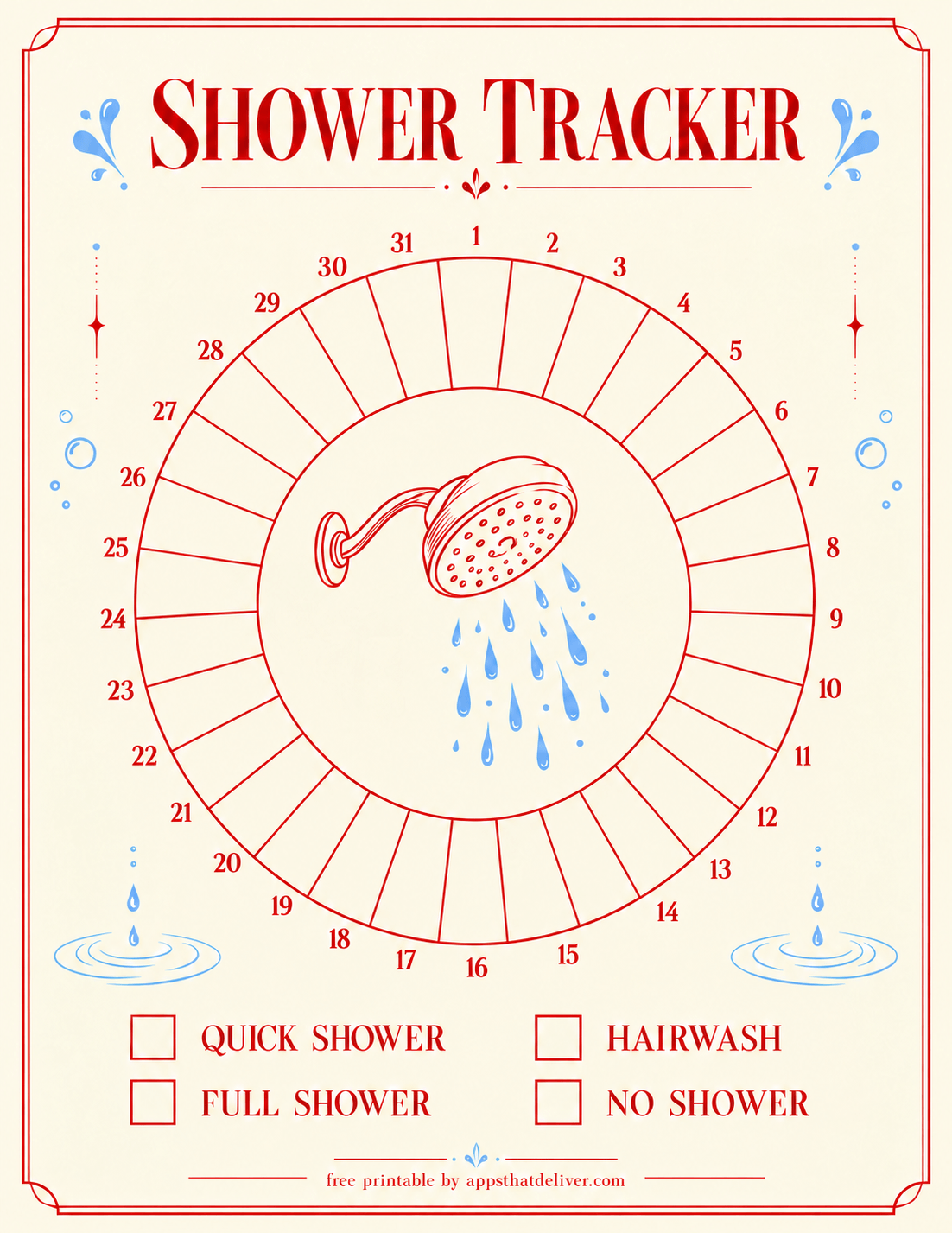
5. Red and Blue 31-Day Circular Shower Tracker
This circular shower tracker uses red outlines, blue water accents, and a numbered ring running from 1 through 31. A showerhead illustration fills the center, with four empty legend boxes below.
The categories are Quick Shower, Full Shower, Hairwash, and No Shower. Assign each one a distinct color before you begin. If more than one category applies on the same day, you can split that day’s section between the relevant colors.
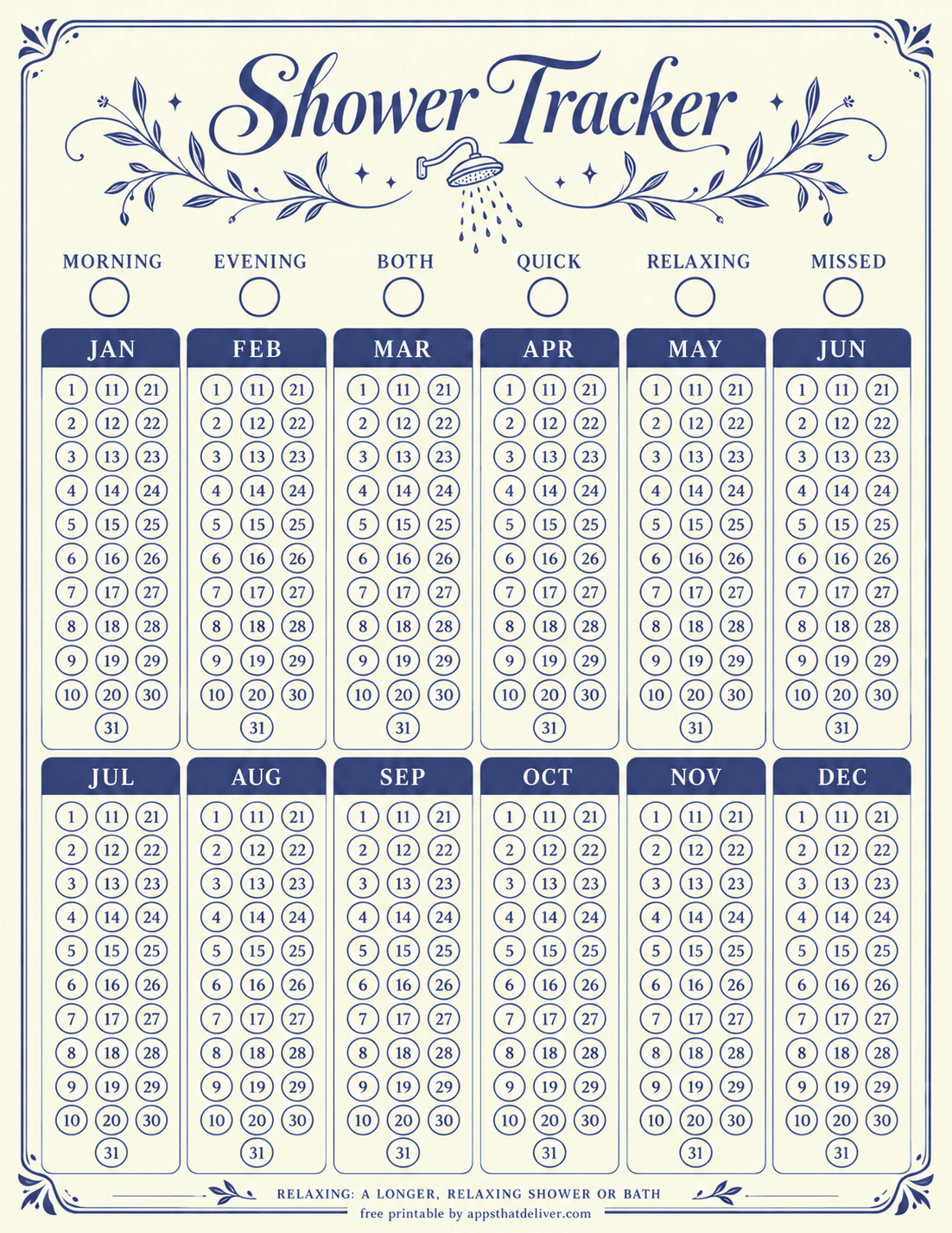
6. Navy Shower Tracker with Twelve Monthly Panels
This navy-and-cream design separates the year into twelve panels labeled January through December. Each panel contains numbered circles, giving every month its own compact tracking area.
Across the top, six empty key circles are labeled Morning, Evening, Both, Quick, Relaxing, and Missed. The footer explains that Relaxing refers to a longer, relaxing shower or bath. Choose this layout if you want several categories and a separate panel for each month.
Leave any numbered circles that fall outside the actual month unused, or cross them out before you start.
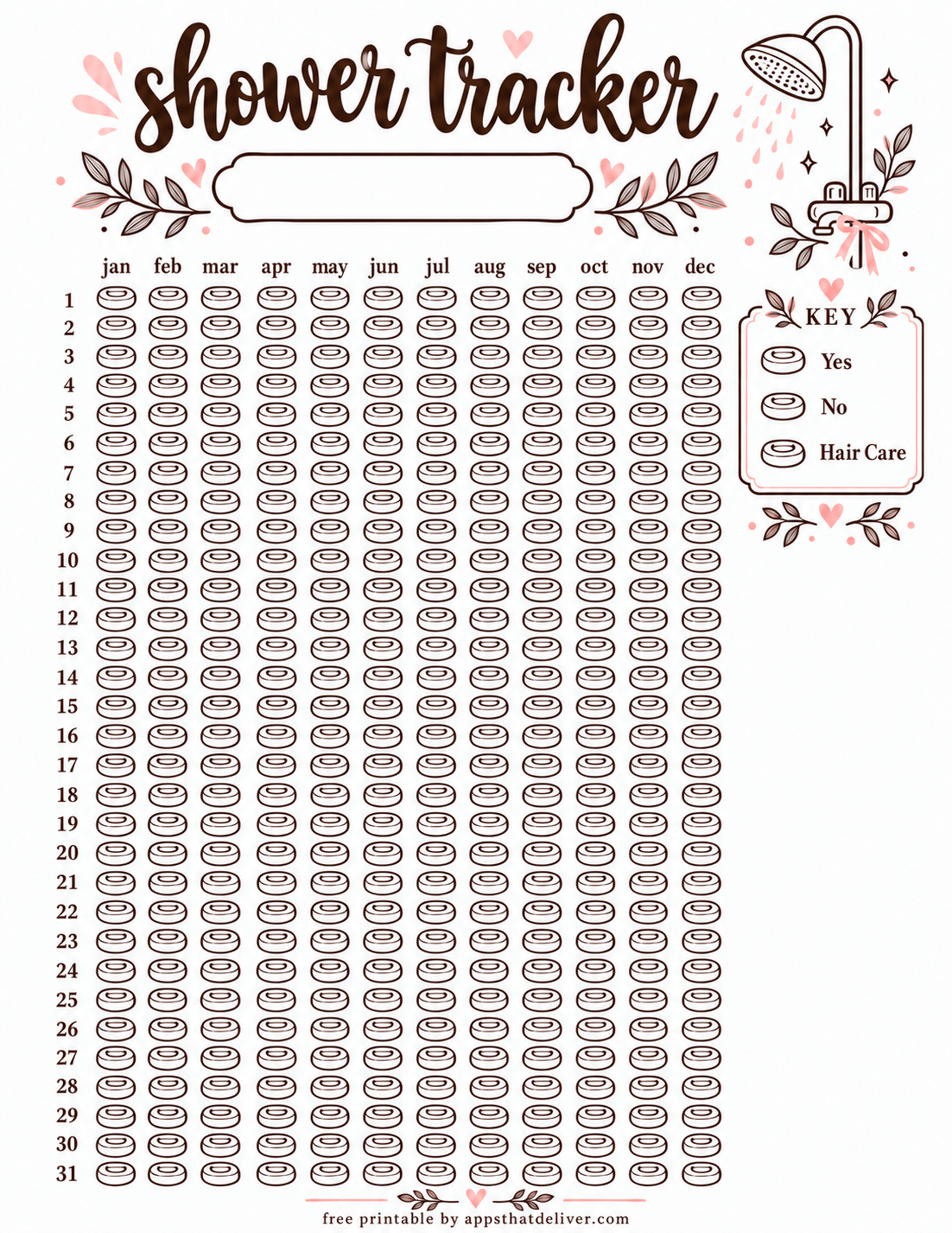
7. Annual Soap Icon Shower Tracker
This annual layout uses small outlined soap icons as tracking spaces. Twelve columns are labeled January through December, and the rows are numbered 1 through 31.
A side key includes Yes, No, and Hair Care, each beside an unfilled soap icon. Brown linework, pink accents, and a decorative shower illustration frame the page. There is also a blank banner beneath the title for a handwritten heading.
Color the key first, then mark the soap icon where the month and day meet. Leave dates that don’t occur in a particular month unused.
8. Strawberry 31-Day Shower Icon Tracker
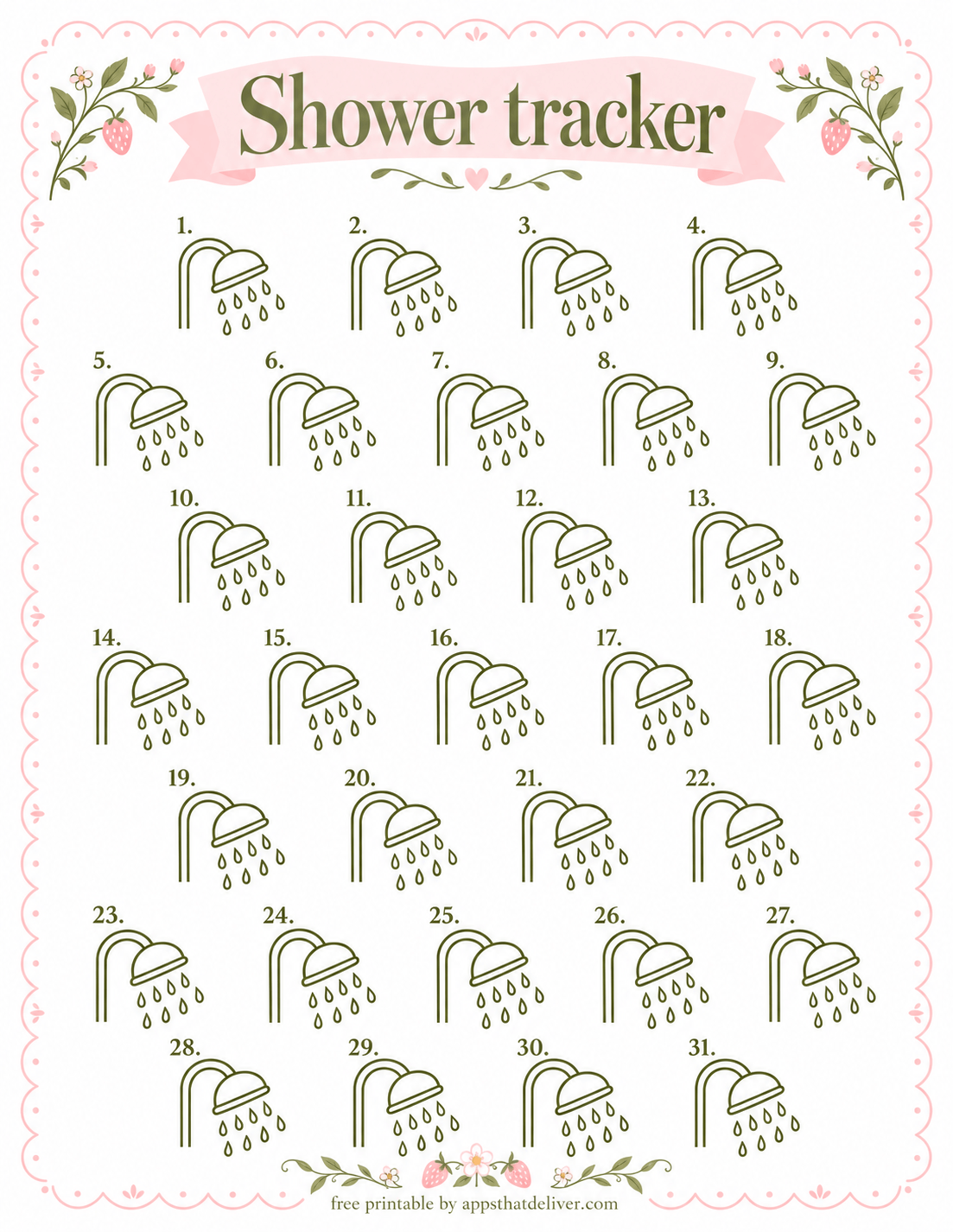
This design features 31 outlined showerhead illustrations, each numbered for a day of the month. A pink scalloped border, strawberry details, and olive-colored linework give the page a playful style.
Mark or color the illustration with the matching date. Because there is no prewritten category key, you can keep it simple with a check mark or use your own color system. For shorter months, leave the extra numbered illustrations untouched.
9. Coral Daily Shower Tracker with Bubbles
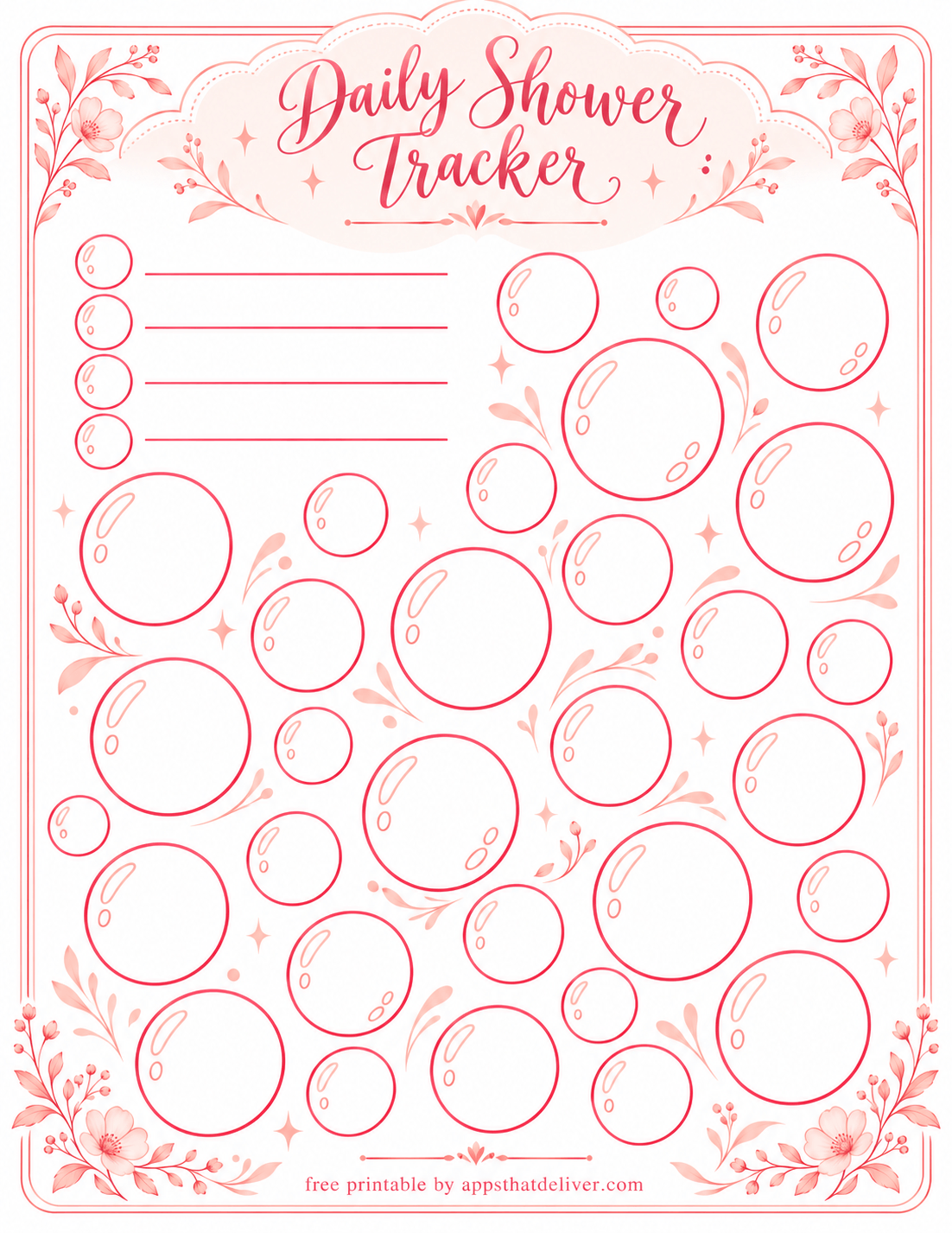
This coral Daily Shower Tracker replaces a traditional grid with scattered, unnumbered bubble outlines. Floral corners and a scalloped title area complete the design.
Four small circles with blank writing lines let you create your own color key. Use the larger bubbles as individual tracking spaces. For a date-based record, add dates inside them before you begin; for a simpler record, color one bubble whenever you want to log a shower.
Which Shower Tracker Should You Choose?
- For a large grid: Choose Design 1 if you prefer square cells and a custom key.
- For tracking with notes: Design 2 includes a dedicated Notes box beside its annual tracking panels.
- For a weekly view: Design 3 organizes four weeks into Monday-through-Sunday rows.
- For a circular layout: Design 4 has two legend categories, while Design 5 offers four.
- For separate monthly panels: Design 6 gives each month its own numbered circles.
- For recording hair care: Design 7 includes Hair Care in its printed key.
- For larger coloring illustrations: Choose the numbered showerheads in Design 8 or the unnumbered bubbles in Design 9.
Tips for Keeping Your Shower Log Easy to Read
Choose colors that are easy to tell apart, especially on the annual sheets where the tracking spaces are small. Colored pencils let you add light shading while keeping printed numbers and outlines visible.
If you’re recording overlapping categories, decide on a method before you start. For example, you could use a background color for the shower category and a small dot for hair washing. Write down your method beside the key so you don’t have to remember it later.
For a monthly page without a month field, write the month and year in an available margin. On annual sheets, cross out dates that don’t exist in each month so they won’t be mistaken for missing entries.
Frequently Asked Questions
Yes. All nine designs in this collection are offered as free PDF downloads. Use the download button beneath the preview of your chosen design.
Design 3 has four columns labeled Week 1 through Week 4 and rows for Monday through Sunday. Each position contains an outlined bathtub illustration you can mark or color.
Yes. Design 5 includes a Hairwash category, and Design 7 includes Hair Care. You can also define a hair-washing category on a design with blank key spaces.
Leave dates that don’t occur in the month unused, or cross them out before you begin. This keeps them separate from valid dates you haven’t recorded yet.
Create a key using the four blank lines, then mark the larger bubbles with your chosen colors. Add dates inside the bubbles for a date-based record, or color one whenever you log a shower.
Download the PDF beneath its preview and open it in a PDF viewer. Check the print preview and adjust the scaling if needed so the page border and footer aren’t cut off.
Choose Your Favorite Shower Tracker
The most useful tracker is one you find easy to update. Choose a weekly chart, a numbered monthly design, or an annual layout, then keep your marks simple and consistent.
Download your favorite free shower tracker PDF above, print a copy, and set up your key before recording your first day.